If you sent a cold email and got an automatic reply from Mixmax saying your message was filtered, it means your email did not stay in the main inbox.
The email was delivered, but it was marked as cold outreach and moved out of the inbox.
Why does this happen? And can you do anything to prevent it?
In this post, we explain what Mixmax Cold Email Shield does, what “bypassing” really means, and how senders can improve their chances of getting seen, and whether there is any way to avoid being filtered.
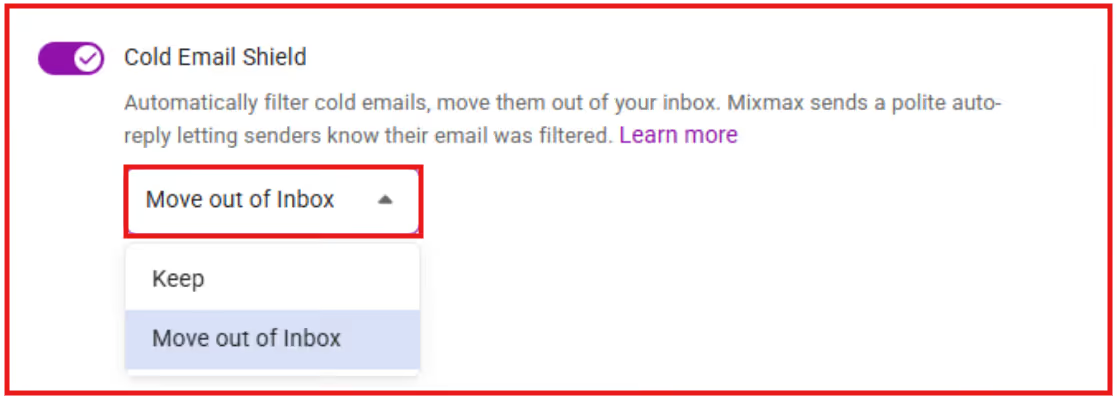
Mixmax Cold Email Shield is a feature that helps Mixmax users manage cold outreach emails they receive.
When the feature is turned on, Mixmax checks incoming emails and looks for messages that appear to be cold outreach.
Emails identified this way are handled differently from regular emails.
Instead of staying in the main inbox, these emails are moved to a separate label called Mixmax → Marketing → Cold emails.
The emails are not deleted and can still be opened and reviewed later.
Cold Email Shield works only if the recipient has enabled it in their Mixmax settings.
Senders cannot control, change, or turn off this feature.
Your email gets filtered because Mixmax identifies it as cold outbound outreach.
This decision is made automatically by Cold Email Shield when a Mixmax user receives an unsolicited email.
Here’s what happens when your email is filtered:

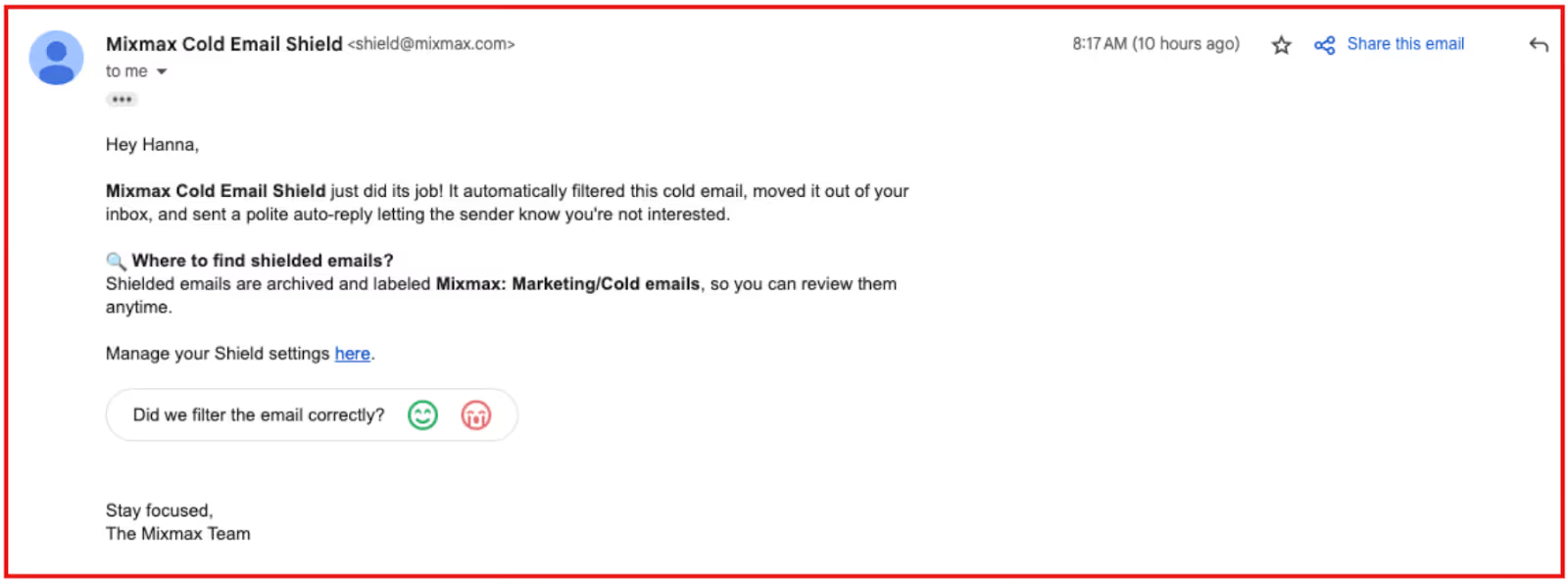
If you receive this automated reply and have never used Mixmax yourself, it means the recipient has Cold Email Shield enabled on their account.
No, you cannot bypass Mixmax Cold Email Shield as a sender.
This feature is fully controlled by the person receiving your email, not by you.
If the recipient has Cold Email Shield turned on, Mixmax will automatically check your message and decide whether it looks like cold outreach.
As the sender, you cannot:
The filtering decision is made by Mixmax on the recipient's side.
If your email is marked as cold, it will be moved out of the inbox, and the recipient will get a notification.
You will also receive an automatic reply letting you know your email was filtered.
Trying to “bypass” this feature using technical tricks or different email tools will not work.
It’s not a spam filter or deliverability system you can get around; it’s a user-level inbox rule managed by Mixmax.
Since Mixmax Cold Email Shield cannot be turned off by senders, the word “bypass” is often misunderstood.
In this context, “bypassing” does not mean disabling the feature or avoiding it with a tool or trick. That is not possible.
What people usually mean by “bypass” is this:
In simple terms, “bypassing” means avoiding being flagged, not breaking or overriding the system.
This depends on how the email is written and how relevant it is to the person receiving it.
It is about how the message appears, not about changing Mixmax settings or technology.
No, changing tools will not help you avoid Mixmax Cold Email Shield.
Cold Email Shield is controlled by the recipient, not by the sender.
It works after your email reaches the recipient’s inbox, regardless of which tool you used to send it.
Switching email tools does not turn off the feature or stop your email from being filtered.
If your email is identified as cold outreach, it can be filtered no matter what tool you use.
This is not a software problem. It is a message relevance problem.
Since Cold Email Shield cannot be turned off by senders, the only real option is to reduce the chances of your email being classified as cold outreach.
These steps do not bypass the system.
They simply help your email look more relevant and less like unsolicited outreach.
These steps focus on how the message appears to the recipient, not on changing tools or settings.
They won’t guarantee inbox placement, but they improve the chance that your email does not get treated as cold outreach.
Mixmax Cold Email Shield cannot be bypassed. No tool can turn it off or override it.
Still, if you send a large number of cold emails, the tool you use on the sender side matters.
This is where tools like Salesforge can help you.
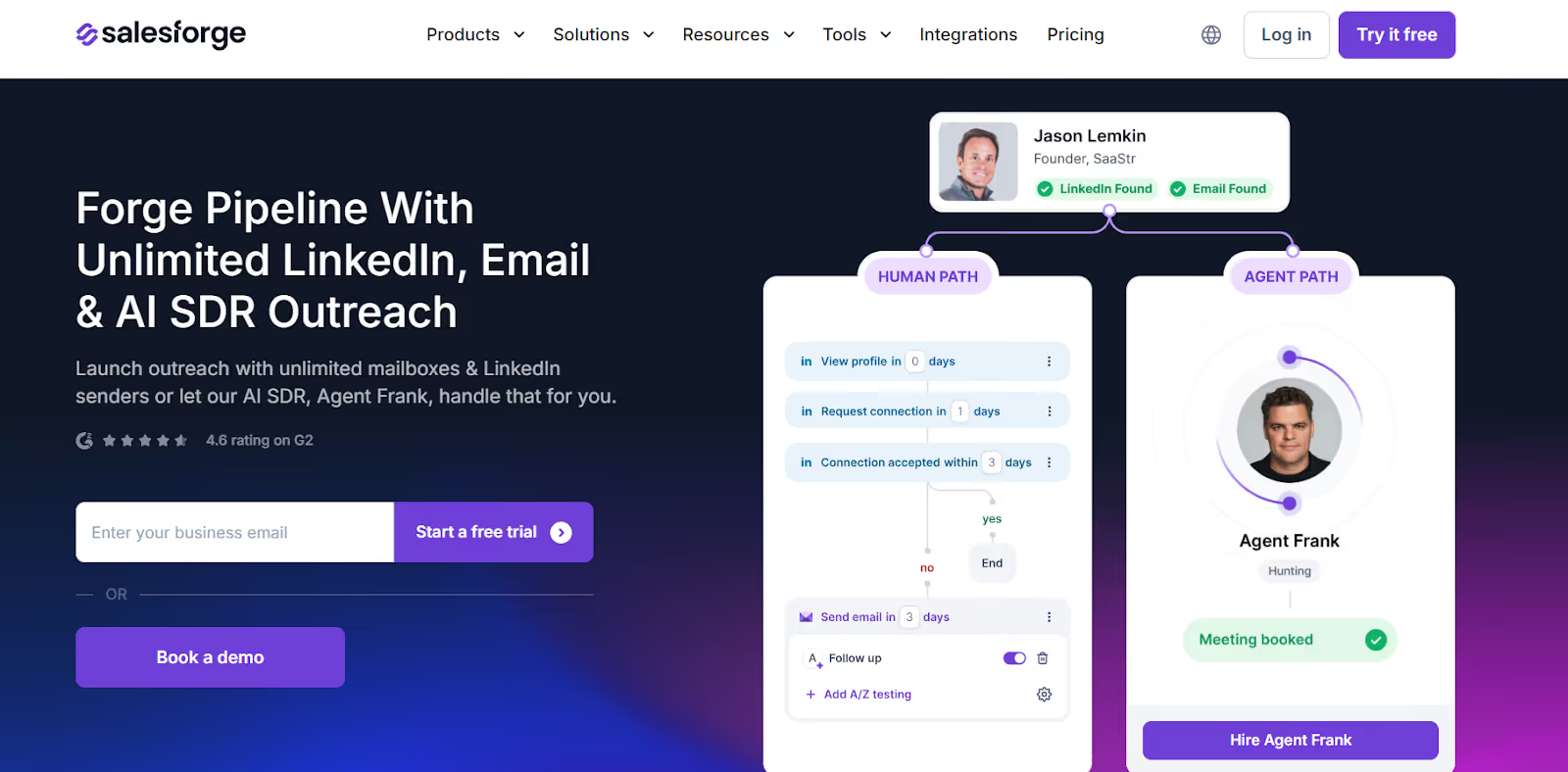
Salesforge is a cold email platform made for sending outreach at scale.
It helps senders manage multiple inboxes, control sending volume, and set up proper email warm-up.
To be clear, Salesforge does not bypass Mixmax Cold Email Shield.
It does not control how recipients filter emails.
What it does is help senders set up and run cold email campaigns more carefully and at scale.
Whether an email is filtered by Mixmax still depends on the recipient’s settings and how the email appears to them.
You cannot technically bypass Mixmax Cold Email Shield. It is a recipient-side filter, and senders have no control over it.
What you can control is how your cold email is sent. Emails that look generic, automated, or irrelevant are more likely to be filtered.
Emails that are relevant, contextual, and sent responsibly are less likely to trigger the shield.
If you send cold emails at scale, the right tools help you manage deliverability, sending limits, and message quality.
They do not override Mixmax Cold Email Shield, but they reduce the risk of being flagged in the first place.
The takeaway is you cannot bypass Mixmax Cold Email Shield, but you can avoid triggering it by sending better, more relevant cold emails.


.png)

