Salesforgesupports multi-channel outreach across email and LinkedIn, with unlimited senders, Primebox™, and optional AI SDR support.
Saleshandysupports basic list uploads with email tracking for simple campaigns.
Apollo.io combines lead data, email, and calling in one platform for teams that want sourcing and outreach together.
Reply.io connects enrichment to multi-step outreach sequences for structured outbound workflows.
Woodpecker supports simple follow-ups for teams that bring their own leads.
Lemlist focuses on personalization for small batches where copy quality matters.
Smartlead.ai focuses on email-only outreach with inbox rotation and warm-up for teams sending at scale from many mailboxes.
Instantlysupports high-volume sending when lead sourcing happens in another tool.
Klentylinks sequences to CRM tasks for teams that prospect outside the tool
Smartreach.iosupports multichannel outreach with email, LinkedIn, and calling for teams that want more control over deliverability and sending limits.
How We Picked These Tools
This list came from reviewing tools used in active outbound campaigns.
Some tools were tested inside live email and LinkedIn workflows.
I compared how each tool fits into day-to-day outreach work.
Setup time was reviewed based on how fast campaigns could go live.
Sequence editing was reviewed during real campaign changes.
Inbox placement was checked once sending volume increased.
Contact data was verified by using it in live sends.
Multi-channel outreach was reviewed based on how email and LinkedIn worked together.
Scale was reviewed by moving from small tests to larger sends.
Pricing was reviewed as list size and volume increased.
User feedback was used to validate these findings.
Top 10 Sales Outreach Tools for B2Bs
Tool
Channels Covered
Best For
Strengths
Limits / Trade-offs
Starting Price
Salesforge
Email, LinkedIn, AI SDR
Full outbound workflow in one tool
Unlimited mailboxes, unified inbox, AI SDR
AI SDR is a paid add-on
$48/month
Saleshandy
Email (+ lead data + infra)
Simple all-in-one stack
Lead finder + inbox setup in one tool
Infra stability varies
$25/month
Apollo.io
Email, Calls
Data + outreach in one place
Large B2B database, built-in dialer
Some data gaps, busy UI
Free / $59/mo
Reply.io
Email, LinkedIn, Calls, SMS
Multichannel sequences
Conditional steps, unified inbox
Seat-based pricing adds up
$99/user/mo
Woodpecker
Email (LinkedIn add-on)
Simple cold email
Easy setup, warm-up, inbox rotation
Email-first, multichannel is limited
$35/month
Lemlist
Email, LinkedIn, WhatsApp, Calls
High personalization
Strong personalization, CRM sync
Per-user pricing grows fast
$79/user/mo
Smartlead.ai
Email
High-volume email scaling
Inbox rotation, warm-up, API
Email-only, setup needs care
$39/month
Instantly
Email
Fast email-only launches
Quick setup, warm-up, inbox rotation
No LinkedIn or calling
$37.6/month
Klenty
Email, Calls, LinkedIn, SMS
Call-heavy SDR teams
Parallel dialer, CRM workflows
Heavier setup, per-user pricing
$50/user/mo
SmartReach.io
Email, LinkedIn, Calls, WhatsApp
Agencies & high-volume email teams
Unlimited senders, ESP matching, warm-up
LinkedIn + calling cost extra
$29/month
1. Salesforge – Best for Unlimited Multi-Channel Outreach and AI SDR Automation
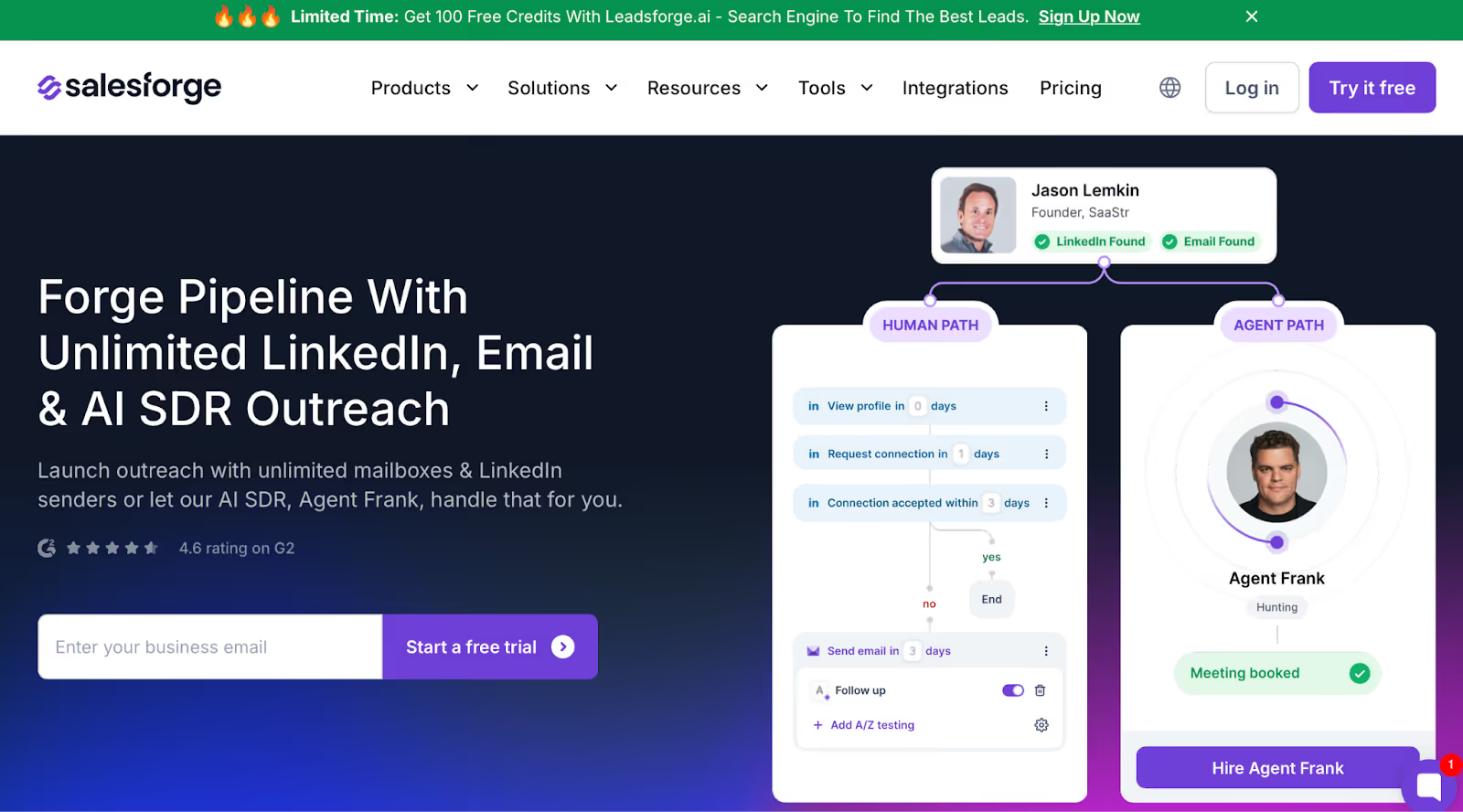
This image shows the Salesforge homepage
Salesforge is a smart sales outreach tool that helps B2B teams send emails and LinkedIn messages together from one place.
You don’t need to switch between tools or worry about seat limits.
You can add unlimited mailboxes and senders, manage all replies from one inbox, and even let an AI SDR handle your outreach for you.
It’s made for teams that want to scale fast, stay out of spam, and spend less time managing campaigns.
Key Features of Salesforge
You can run email and LinkedIn outreach together in one simple dashboard.
You can connect unlimited mailboxes and senders without paying extra for each user.
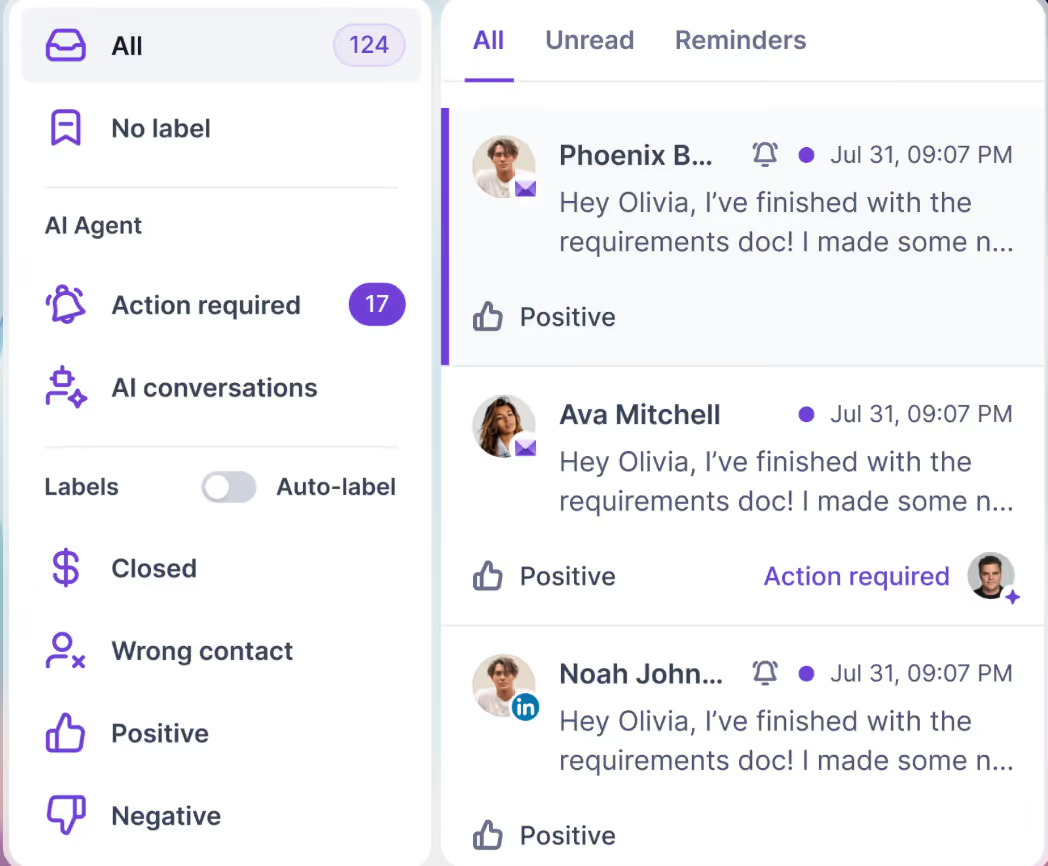
You can see every reply in one place with Primebox™, even if the prospect replies from another address.
This image shows the Salesforge Primebox™ to manage all replies across LinkedIn and EmailSalesforge Primebox™ to manage all replies across LinkedIn and Email
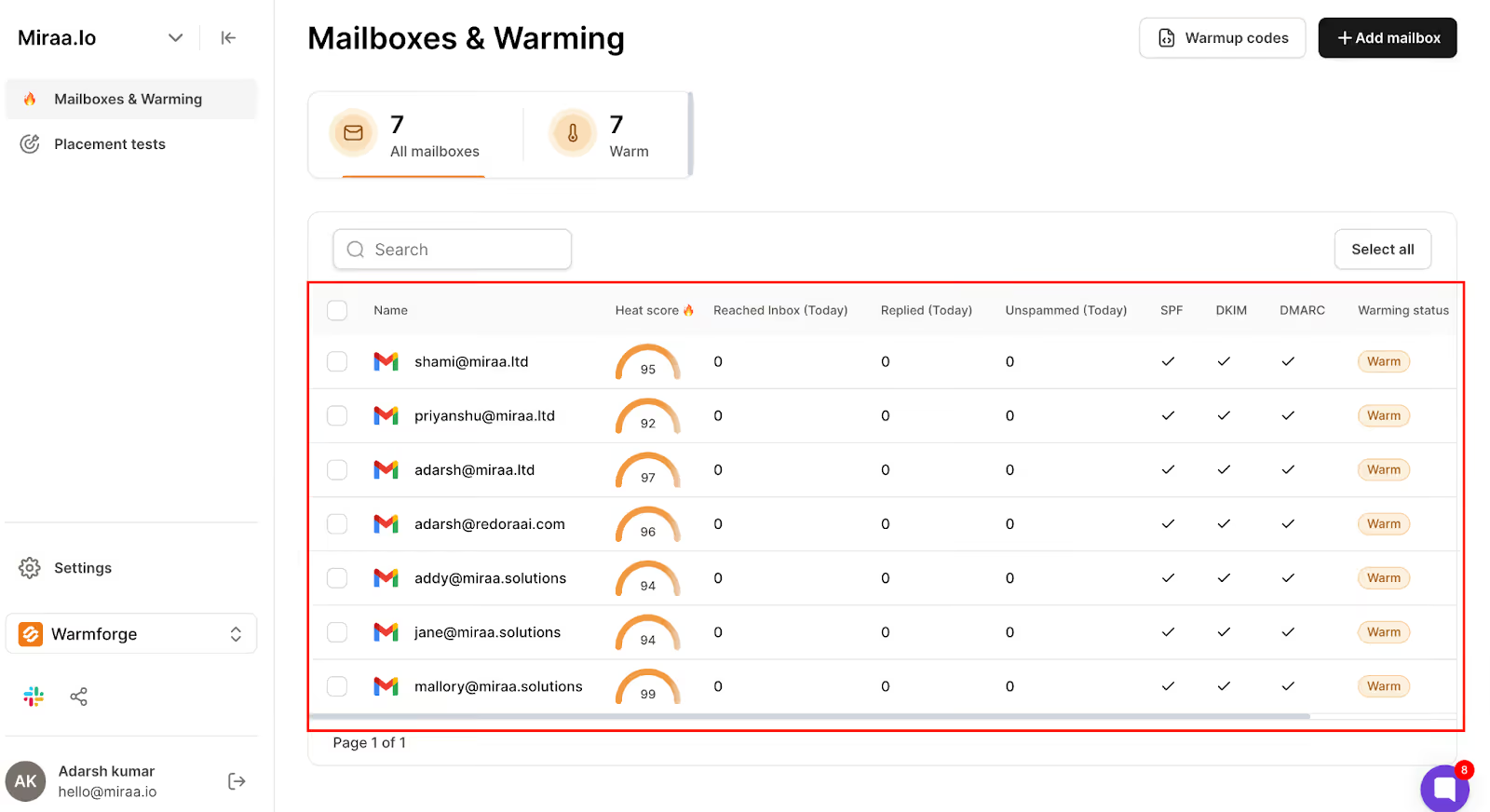
You get a free and unlimited warm-up with Warmforge, which keeps your emails landing in the inbox.
This image shows the Account Warm-up monitoring in Warmforge
You can hire Agent Frank, an AI SDR that finds leads, writes messages, and books meetings automatically.
You can write outreach messages in 20+ languages for global campaigns.
You can connect Salesforge with CRMs, workflow tools, and other Forge products like Leadsforge, Primeforge, and Mailforge.
Pros & Cons of Salesforge
Pros
Lets you send unlimited emails and LinkedIn messages without user limits.
Keeps emails out of spam with built-in warm-up and deliverability tools.
Saves time with an AI SDR that handles outreach and booking for you.
Combines all replies in one inbox for easy tracking.
Works great for international teams sending messages in multiple languages.
Cons
Agent Frank is an add-on and costs extra.
Might feel too advanced for very small teams with simple outreach needs.
Salesforge Pricing
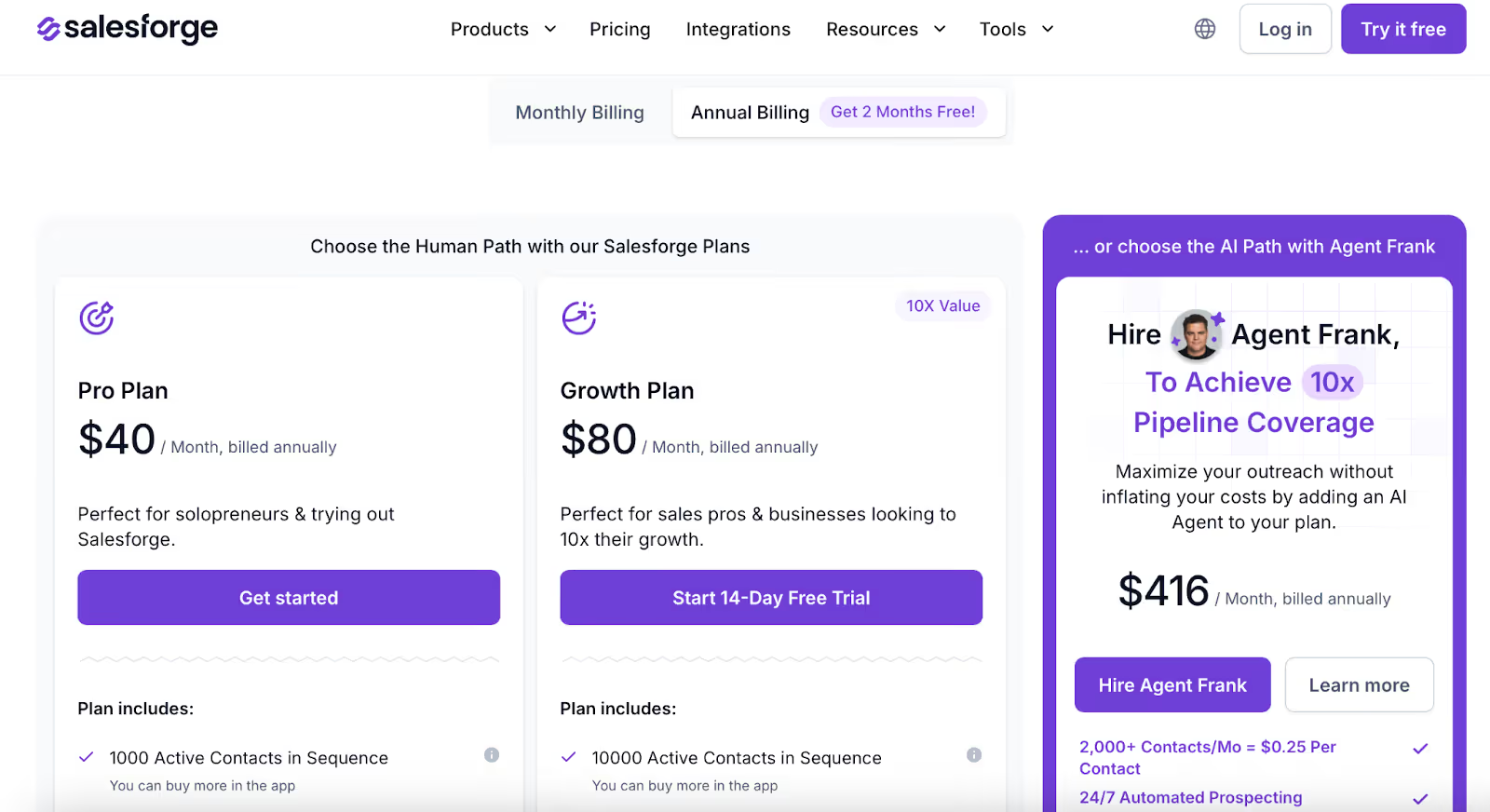
This image shows the Salesforge pricing plans
Pro Plan – $48/month → Good for solo users. Includes 5K emails, 1K contacts, unlimited mailboxes and warm-up, Primebox™, and live chat support.
Growth Plan – $96/month → Best for teams. Includes 50K emails, 10K contacts, unlimited users, LinkedIn senders, A/B testing, onboarding, and API access.
Agent Frank Add-On – $499/month (billed quarterly) → Adds the AI SDR for 24/7 outreach, 500M+ contacts, and 20+ language support.
Best For:
B2B teams, agencies, and startups that want one tool for email, LinkedIn, and AI outreach, without worrying about spam or sending limits.
Salesforge helps you send smarter, scale faster, and keep your entire outreach workflow in one clean, simple platform.
Personalized Outbound Strategy
Get The Right Outbound Strategy In Minutes
Enter your email to get a custom plan & stack recommendation for your
business
It's being carefully crafted by AI
Please check your mailbox in 5 minutes
2. Saleshandy
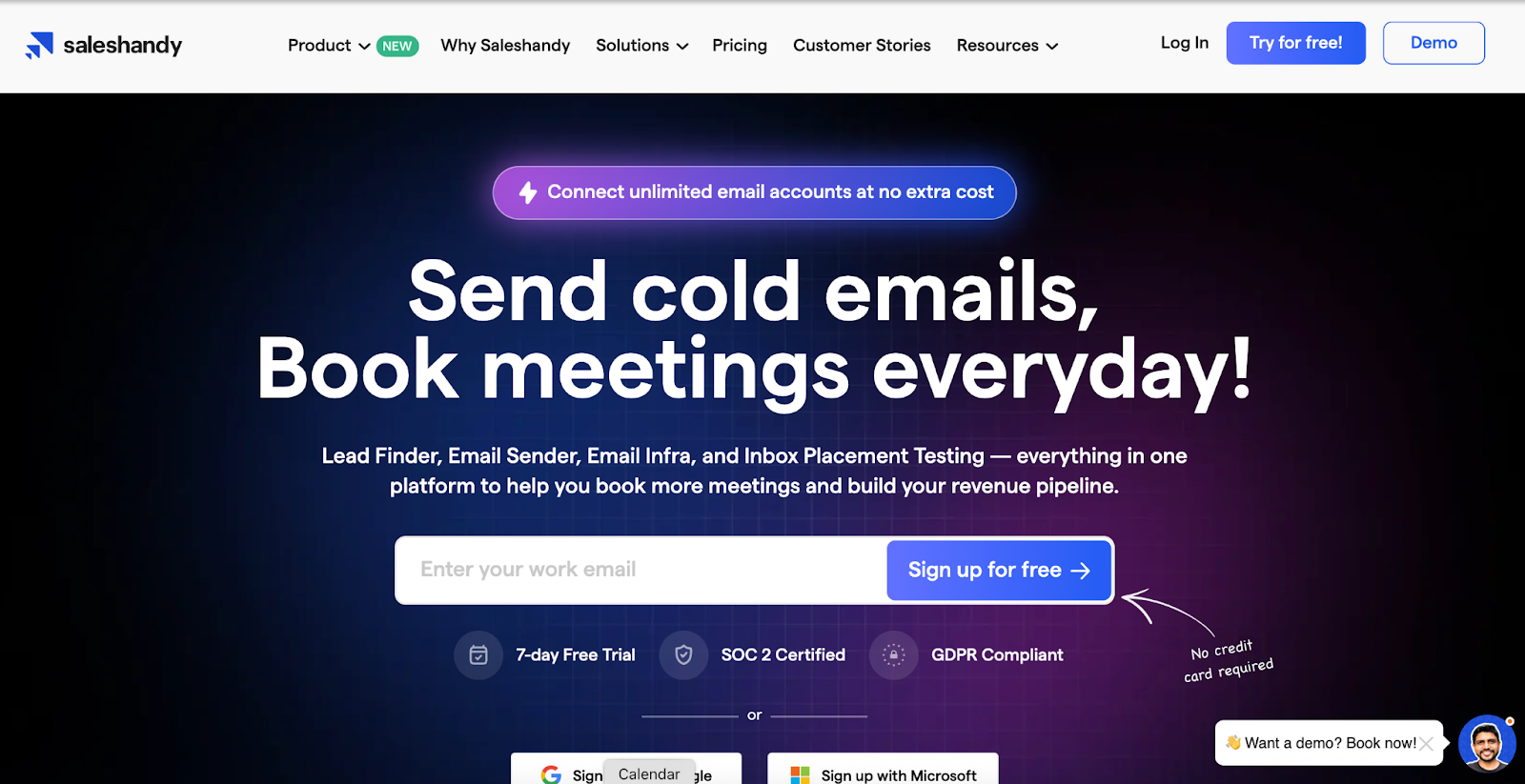
This image shows the Saleshandy homepage.
Saleshandy is an all-in-one cold email platform built for teams running high-volume outreach.
It includes a large B2B lead database, unlimited email accounts, deliverability tools, AI sequence support, and a built-in outbound CRM inside one platform.
Instead of paying for separate tools for data, sending, and tracking, teams manage their full outbound workflow in one place.
Key Features of Saleshandy
Lead Finder pulls contacts from an 800M+ people and 60M+ companies database.
Waterfall enrichment fills missing emails and fields from multiple vendors.
Built-in CRM stores prospects and tracks outreach stages.
Pre-configured inbox setup supports faster launch of new sending accounts.
Email warm-up runs inside the platform.
Sender rotation spreads volume across inboxes.
Unified inbox groups replies and auto-labels them with AI.
Multichannel steps support email-led sequences with follow-ups.
CRM integrations include HubSpot, Salesforce, Zoho, and Pipedrive.
Webhooks and API support basic automation workflows.
Pros & Cons of Saleshandy
Pros
Create multi-step cold email sequences with automated follow-ups.
Get access to a large B2B database of 800M+ verified contacts.
Use the AI Sequence Co-Pilot to generate complete email sequences in minutes.
Automate campaigns through Claude, ChatGPT, and other AI tools using MCP
Supports unlimited email accounts, which helps when scaling campaigns.
Built-in email warm-up and sender rotation to improve inbox placement
Get a built-in outbound CRM to manage replies and deal progress.
Cons
Free trial is limited to 7 days.
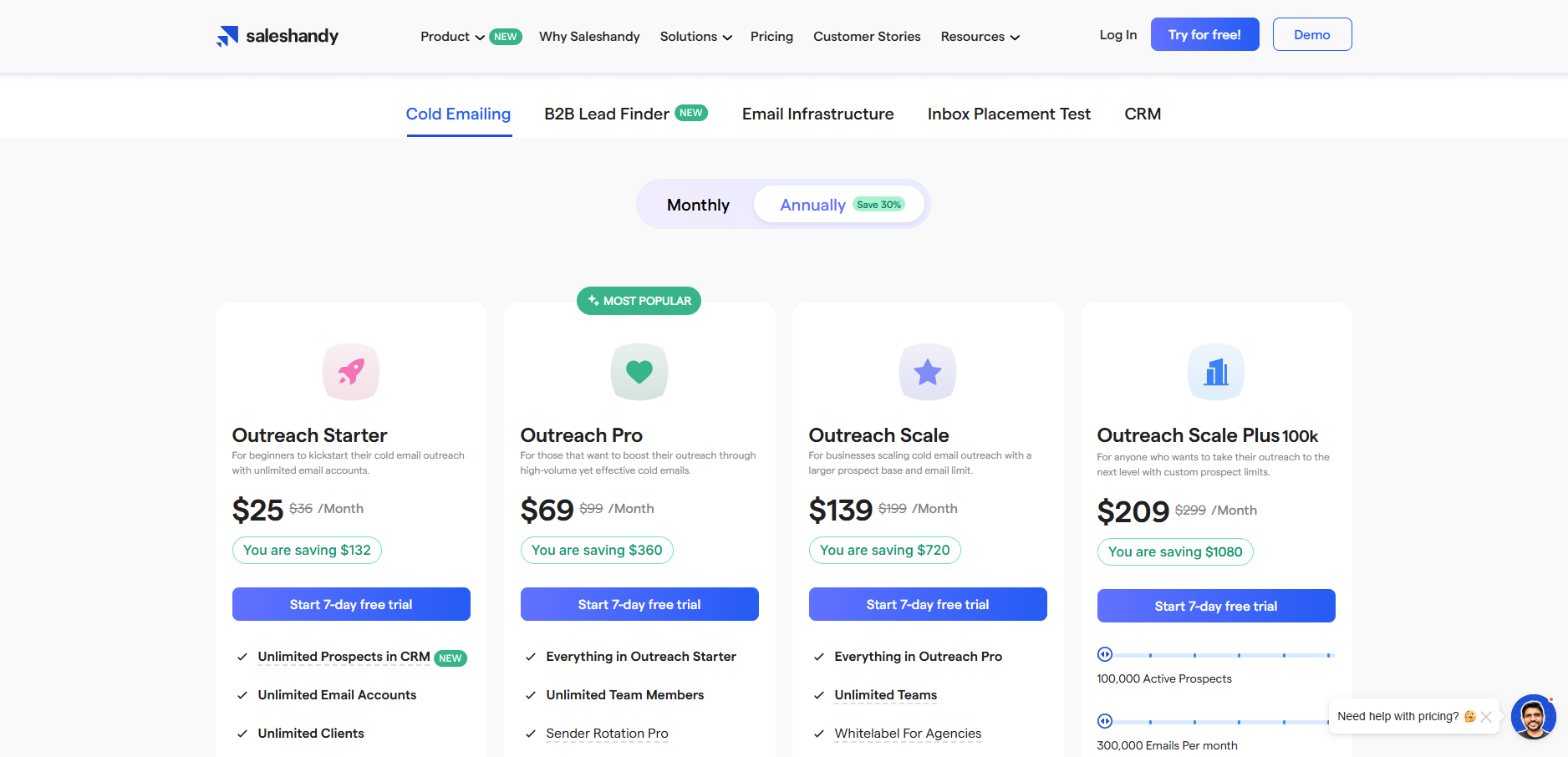
Saleshandy Pricing
Outreach Starter – $25/month → Send up to 6,000 emails each month.
Outreach Pro – $69/month → Send up to 150,000 emails each month.
Outreach Scale – $139/month → Send up to 240,000 emails each month.
Outreach Scale Plus 100K – $209/month → Includes everything in Outreach Scale, plus 100,000 active prospects and up to 300,000 emails per month.
Best For:
Sales teams, agencies, and founders running large cold email campaigns.
Saleshandy works well for teams that want to find leads, send campaigns, and manage replies without using multiple tools.
3. Apollo.io
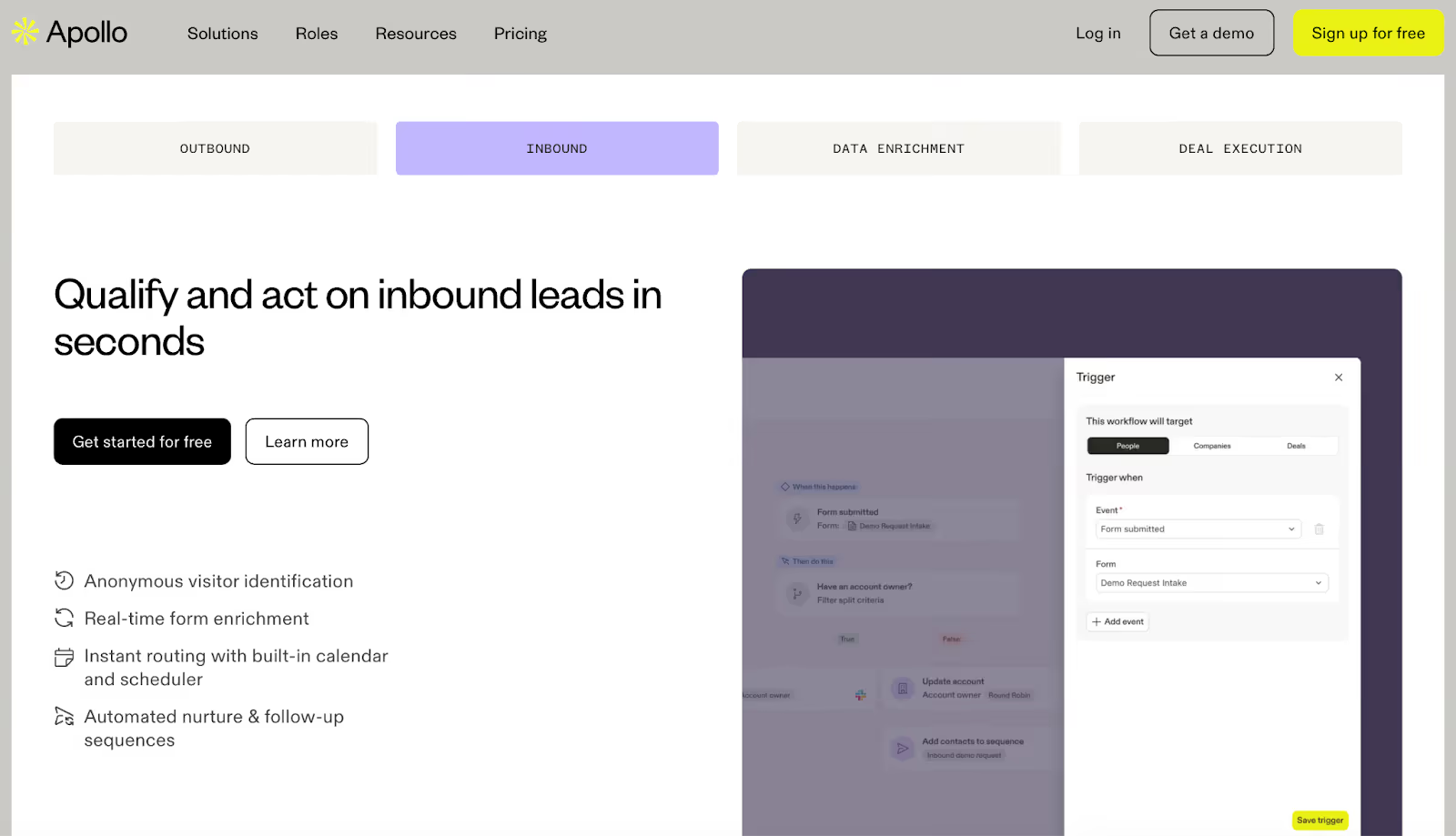
This image shows the Apollo.io homepage
Apollo.io helps you find verified leads, send emails, make calls, and track results without leaving the platform.
It works as one workspace where you can search for prospects, reach out, and see what’s working, all without switching tools.
It’s made for teams that want to build pipelines faster and keep everything simple.
Key Features of Apollo.io
You can search through millions of verified contacts and companies using filters like job title, industry, and location.
You can create and send automated email sequences and follow ups to reach more people every day.
You can make calls right inside the platform with its built in dialer and log everything automatically.
You can keep your emails landing in inboxes using Apollo’s built in warm up and deliverability tools.
You can connect Apollo with CRMs like Salesforce and HubSpot or use it directly with Gmail and LinkedIn.
You can use the Chrome extension to find verified emails while you browse LinkedIn or company websites.
Pros & Cons of Apollo.io
Pros
Brings contact data, outreach, and calls into one clean platform.
Helps you find the right people fast with accurate filters.
Keeps your outreach effective with built in deliverability tools.
Works well with major CRMs and email tools.
Has a free plan that’s helpful for small teams testing the tool.
Cons
Some contact details can be old or missing, so you might need to double check a few.
This image shows the Apollo.io review mentioning incorrect contact data and daily email sending limits.
The dashboard can feel a bit crowded when you first start using it.
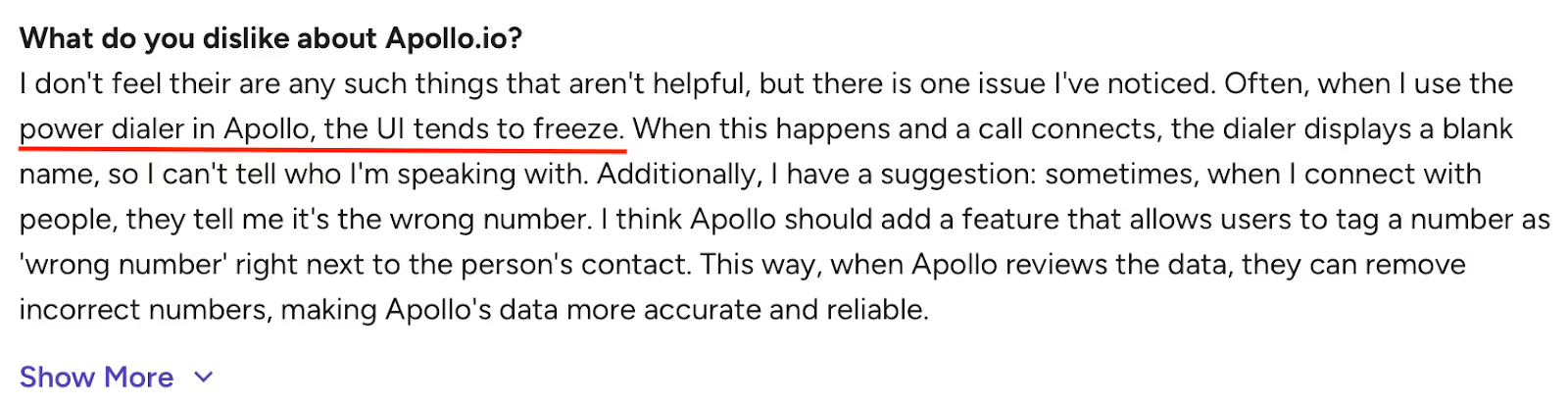
The dialer sometimes lags or doesn’t record every call smoothly.
This image shows the Apollo.io review highlighting power dialer freezing issue and suggestion for wrong number tagging feature.
Support replies can take longer during busy hours.
Apollo.io Pricing
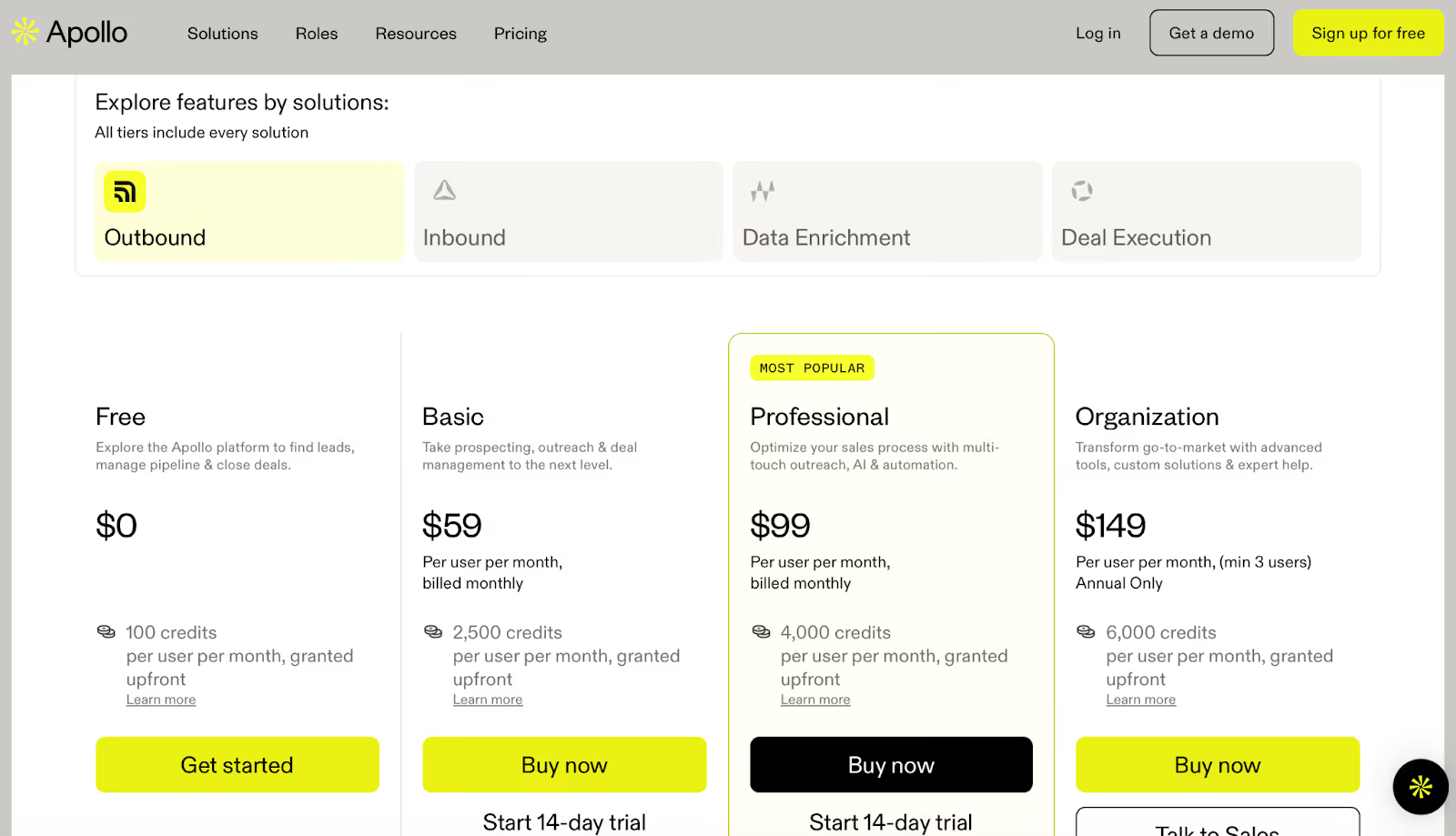
This image shows the Apollo.io pricing plans
Free Plan – $0/month → Includes 100 credits and basic outreach tools.
Basic Plan – $59/month → Adds more credits, advanced filters, and CRM sync.
Professional Plan – $99/month → Adds dialer access, reports, and more automation.
Organization Plan – $149/month → Includes advanced reports, security, and international calling.
Best For:
Teams that want one easy place to find contacts, send outreach, and manage calls.
Apollo.io fits best for growing B2B teams that want verified data and simple automation to handle daily outreach.
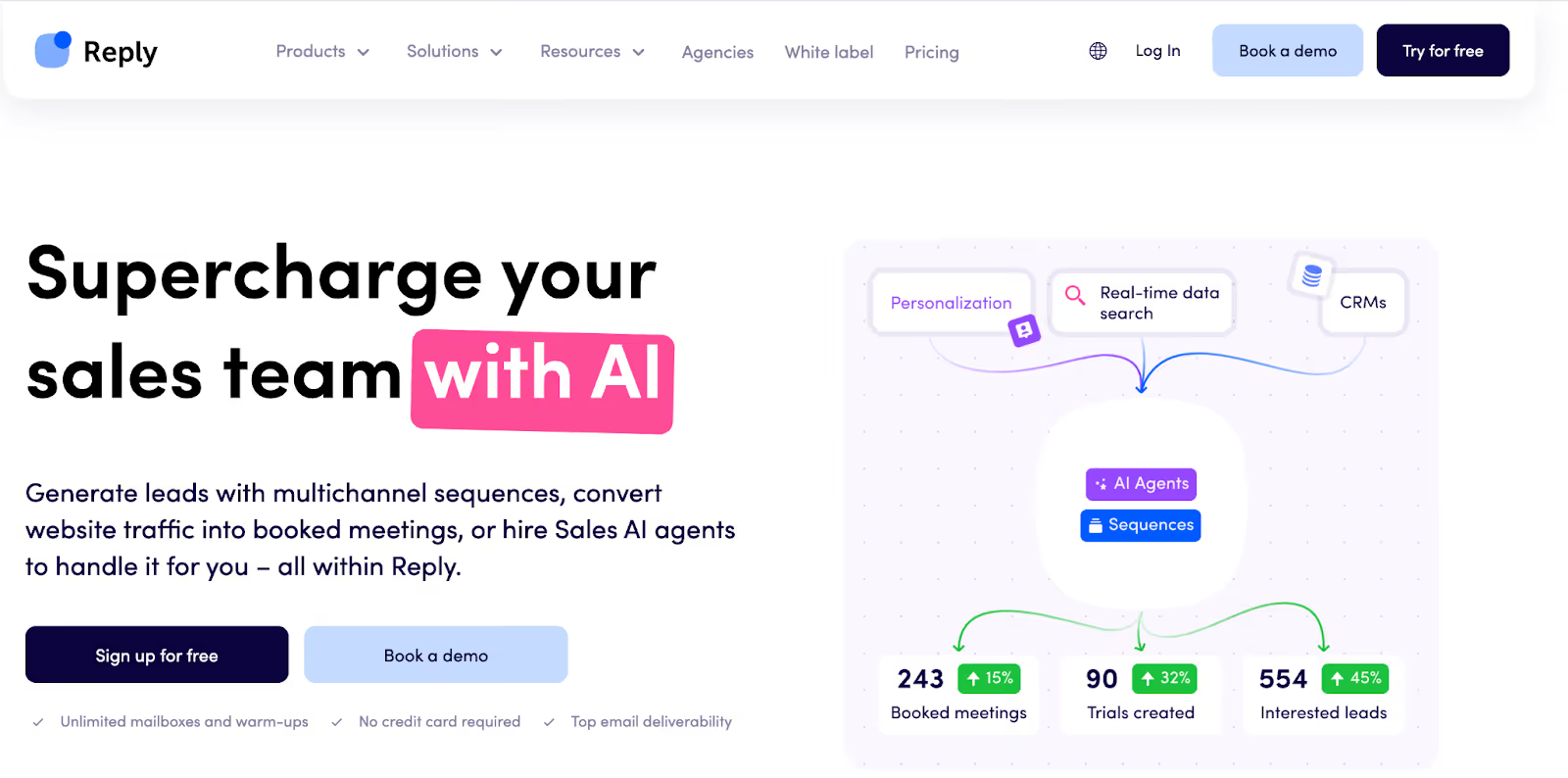
Reply.io works as a single workspace for email, LinkedIn, calls, and SMS.
I tested it during weeks when channel switching slowed daily outreach work.
The multichannel setup helps coordinate touches without bouncing between tools.
That convenience shows up most when running several sequences at once.
Key Features of Reply.io
Conditional sequences run across email, LinkedIn, calls, and SMS.
I used mailbox warm-ups before pushing volume higher.
Replies from connected channels land in one inbox.
Meetings can be booked from sequences using calendar links.
Live data credits help refresh contact records.
A browser extension captures contacts from LinkedIn profiles.
Sending through Gmail API gives more control over delivery setup.
Pros & Cons of Reply.io
Pros
Multichannel sequences help coordinate timing across channels.
The unified inbox reduces time spent switching tabs.
Warm-ups help with early inbox placement.
Setup feels manageable for teams starting new campaigns.
Cons
Inbox placement can drop when volume increases past early tests.
This image shows the Reply.io review about pricing changes
Seat-based pricing grows quickly as team size increases.
Salesforce sync can cause friction during list updates.
LinkedIn automation feels shallow compared to dedicated tools.
Reply.io Pricing
Pricing depends on channels and usage tier.
The Email Outreach plan starts at $179 per month for unlimited users. This tier includes unlimited mailboxes and warm-ups with a 10,000 active contacts limit.
LinkedIn automation costs $69 per LinkedIn account per month. Calls and SMS cost $29 per user per month.
The Multichannel plan starts at $99 per user per month. This tier includes email, LinkedIn, calls, SMS, and WhatsApp steps. This plan includes 5 mailboxes per user and unlimited email warm-ups.
The AI SDR plan starts at $500 per month. This tier runs autonomous outreach with AI handling prospecting and replies.
Add-ons increase cost as channels and data usage grow. Total spend rises fast when adding LinkedIn accounts and calling seats.
Best For
Reply.io fits teams that want one place to manage multichannel outreach.
It works better for teams that value channel coverage over deep email control.
[Webinar] 2X Your LinkedIn Reach Via Strategic Commenting👉🏻Join in
5. Woodpecker
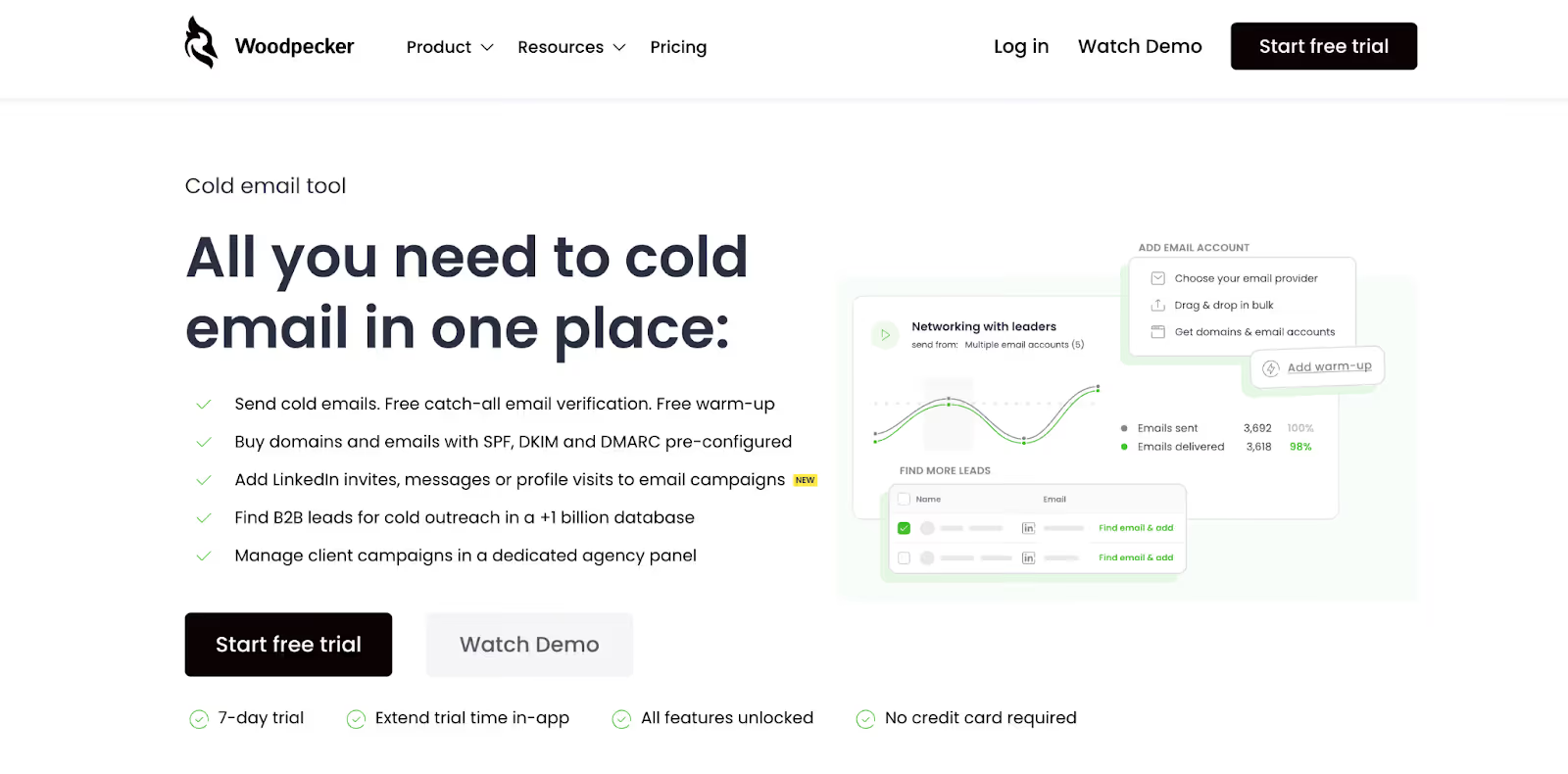
This image shows the Woodpecker homepage.
Woodpecker focuses on cold email workflows for small outbound teams.
The product stays easy to navigate during early campaign setup.
That simplicity helps when getting new mailboxes live quickly.
Key Features of Woodpecker
Cold email campaigns run from one dashboard.
Catch-all email verification runs in real time before it is sent.
Warm-up runs on connected inboxes before higher volume.
Inbox rotation spreads sends across mailboxes.
Adaptive sending limits daily volume to reduce sudden spikes.
Replies land in a central inbox for follow-up work.
Domains and mailboxes can be purchased with DNS set up.
LinkedIn touches can be added as an add-on.
An agency panel supports client campaign management.
Pros & Cons of Woodpecker
Pros
The interface feels easy to pick up during first setup.
Warm-up and basic verification reduce early bounce risk.
Inbox rotation helps spread volume across mailboxes.
The agency panel helps manage several client campaigns.
Cons
Inbox placement can vary across providers at higher volume.
Support quality varies based on user reports during issues.
Pricing rises quickly as inbox count increases.
LinkedIn automation feels light compared to dedicated tools.
Woodpecker Pricing
Pricing scales based on contacted prospects and sending volume.
The Free plan includes 50 contacted prospects and 600 emails per month. This tier includes basic support and onboarding help.
The Starter plan costs $35 per month. This tier includes 500 contacted prospects and 6,000 emails per month. Two inbox warm-ups are included.
The Growth plan costs $188 per month. This tier includes 10,000 contacted prospects and 120,000 emails per month. Twenty inbox warm-ups are included.
The Scale plan costs $1,354 per month. This tier includes 100,000 contacted prospects and 1.2 million emails per month. One hundred thirty-five inbox warm-ups are included.
The Max plan costs $9,999 per month. This tier includes unlimited contacted prospects and unlimited emails.
Add-ons increase monthly cost. LinkedIn automation costs $29 per LinkedIn account per month. Extra warm-ups cost $5 per inbox per month. Domains and inboxes are billed separately.
Best For
Woodpecker fits small teams starting with cold email.
It works better for email-first workflows than full multichannel outreach.
6. Lemlist
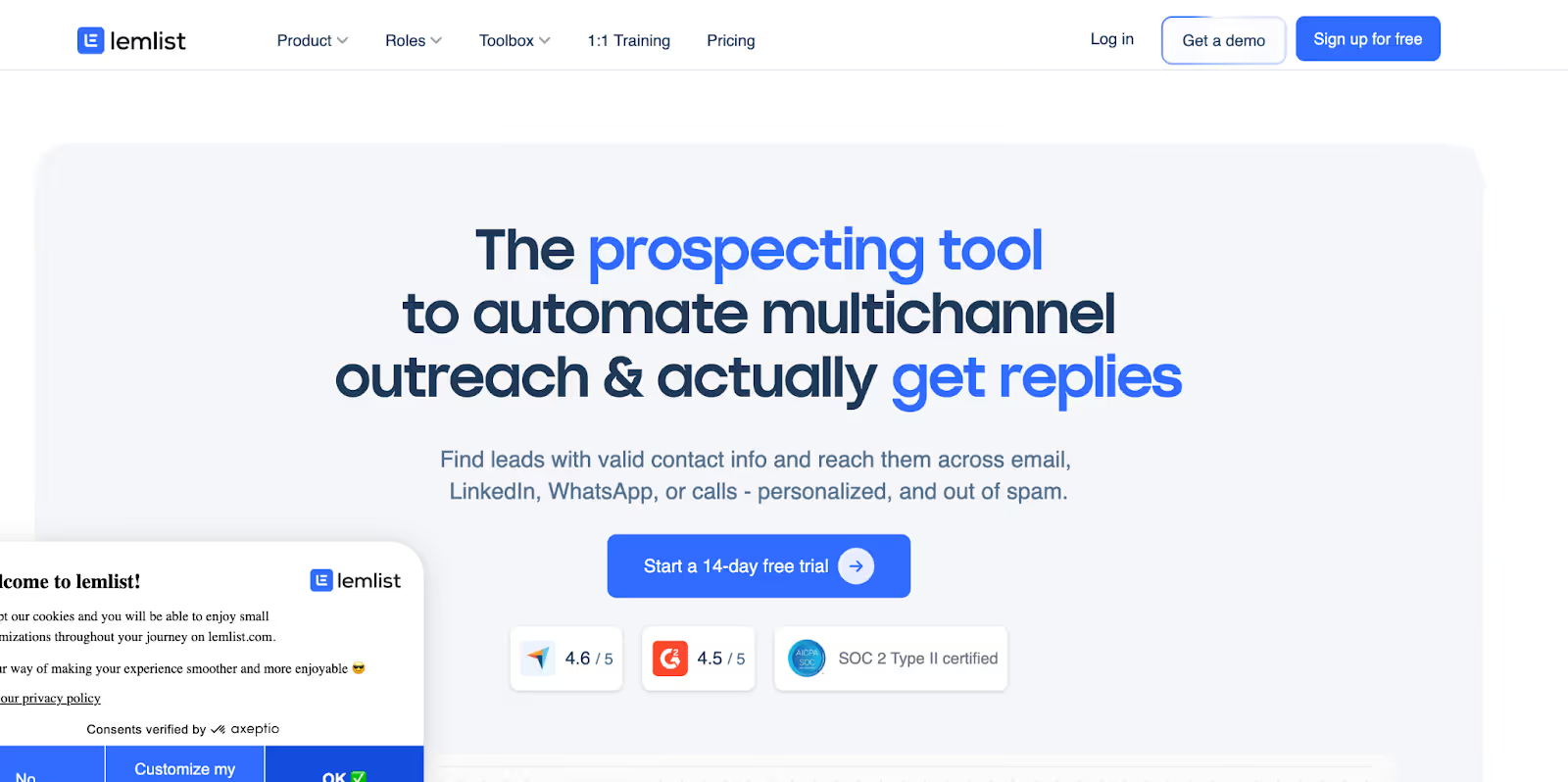
This image shows the Lemlist homepage.
Lemlist runs email, LinkedIn, WhatsApp, and calls from one workspace.
The product focuses on personalization across channels.
That shows up most when running short, targeted sequences.
Key Features of Lemlist
You can find leads from a large contact database with filters.
Built-in enrichment pulls verified emails and phone numbers.
Sequences can mix email, LinkedIn, WhatsApp, and calls.
Replies from channels appear in one inbox thread.
Warm-up runs through lemwarm for inbox preparation.
Inbox rotation spreads across multiple mailboxes.
Integrations work with HubSpot, Salesforce, and calling tools.
A Chrome extension captures leads from LinkedIn and Gmail.
Pros & Cons of Lemlist
Pros
Personalization options help tailor messages for small lists.
Multichannel steps help coordinate touches across platforms.
Integrations work well with common CRM tools.
Setup feels approachable for teams starting outbound.
Cons
Support response time feels slow during account issues.
Pricing jumps as senders and users increase.
Data accuracy varies based on enrichment source.
Lemlist Pricing
The Email Pro plan starts at $79 per user per month. This tier includes three email senders per user. This tier includes 200 enrichment credits per month.
The Multichannel Expert plan starts at $109 per user per month. This tier includes five email senders per user. This tier includes 400 enrichment credits per month. This tier includes LinkedIn automation and calling access.
The Enterprise plan uses custom pricing for larger teams. This tier adds SSO, custom roles, and dedicated support.
Add-ons increase monthly cost. Extra email senders cost $9 per sender per month. WhatsApp automation costs $20 per user per month. New calling numbers cost $15 per number per month. Extra deliverability protection costs $20 per user per month.
Best For
Lemlist fits teams that rely on personalization across channels.
It works better for targeted outbound than high-volume email sending.
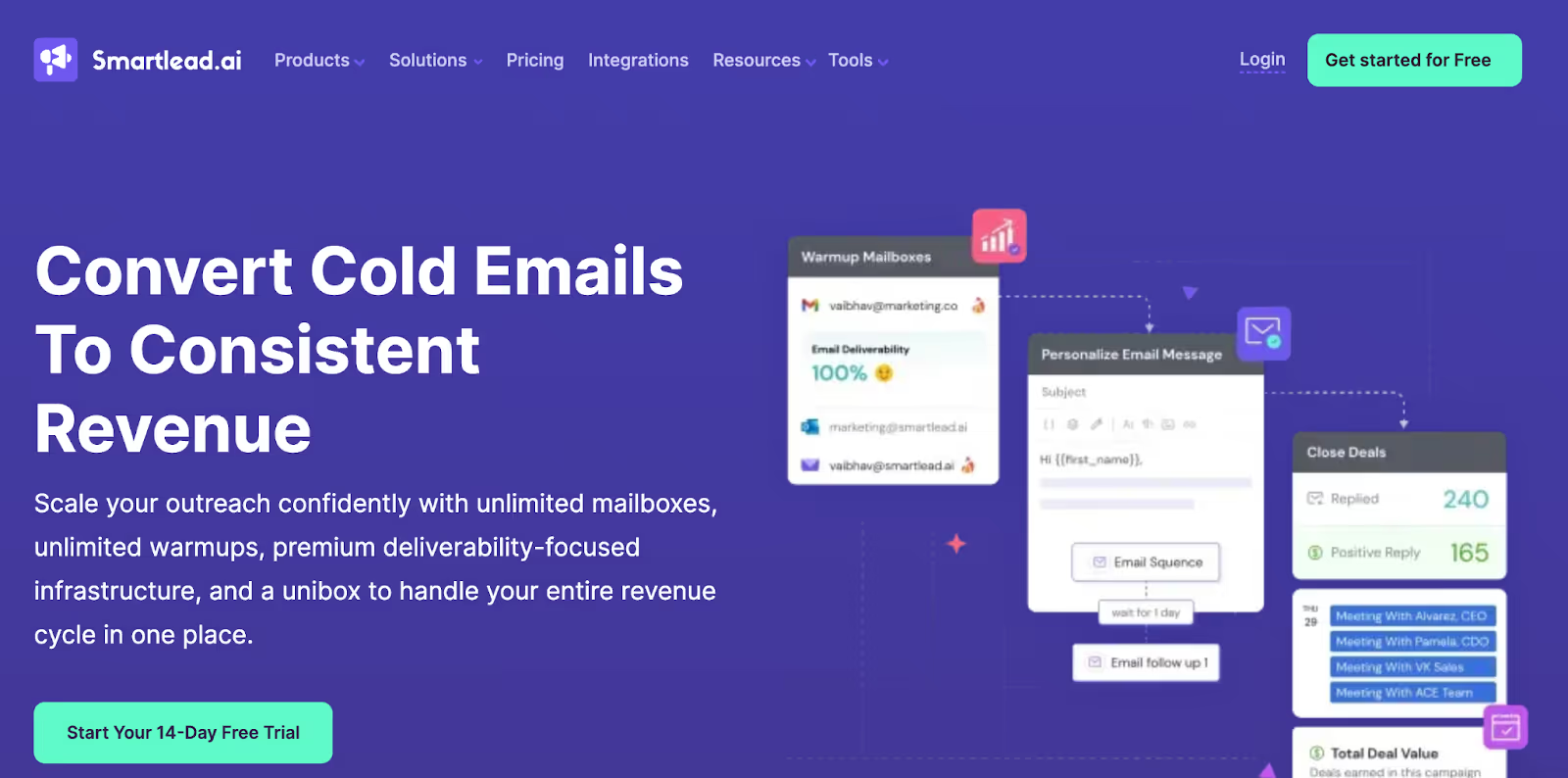
7. Smartlead.ai
This image shows the Smartlead.ai homepage.
Smartlead.ai focuses on cold email at scale with many inboxes.
I tested it while running higher-volume campaigns across rotating mailboxes.
It centers on inbox rotation and warm-up for ongoing sending. That focus shows up most when volume grows beyond early tests.
Mailbox rotation spreads sends across connected inboxes.
Warm-up runs on each inbox before and during live campaigns.
A unified inbox collects replies from connected mailboxes.
SmartDelivery checks inbox placement and spam risk.
SmartSenders sets up domains and mailboxes with DNS handles.
SmartServers add dedicated sending infrastructure for larger volumes.
APIs support custom workflows for agencies and larger teams.
White-label options support client reporting for agencies.
Pros & Cons of Smartlead.ai
Pros
Mailbox rotation helps spread volume across many senders.
Warm-up runs alongside live sending for ongoing reputation work.
The unified inbox reduces time spent checking many mailboxes.
API access helps teams build custom workflows.
Cons
Inbox placement can vary when scaling quickly across new domains.
Bugs and support delays show up in user feedback.
Deliverability setup needs care during early ramp-up.
Costs grow as volume and add-ons increase.
Smartlead.ai Pricing
The Base plan costs $39 per month. This tier includes 2,000 contacts and 6,000 email sends per month. This tier includes 2,000 verified prospect emails.
The Pro plan costs $94 per month. This tier includes 30,000 contacts and 90,000 email sends per month. This tier includes 30,000 verified prospect emails.
The Unlimited Smart plan costs $174 per month. This tier includes unlimited contacts and 150,000 email sends per month. This tier includes 50,000 verified prospect emails.
The Unlimited Prime plan costs $379 per month. This tier includes unlimited contacts and 500,000 email sends per month. This tier includes 170,000 verified prospect emails.
Mailbox and domain setup add extra cost. Google or Outlook mailboxes cost $4.5 per mailbox per month. Domains cost $13 to $15 per domain per year, based on provider.
Best For
Smartlead.ai fits teams planning to scale cold email across many inboxes.
It works better for volume-driven outreach than small test campaigns.
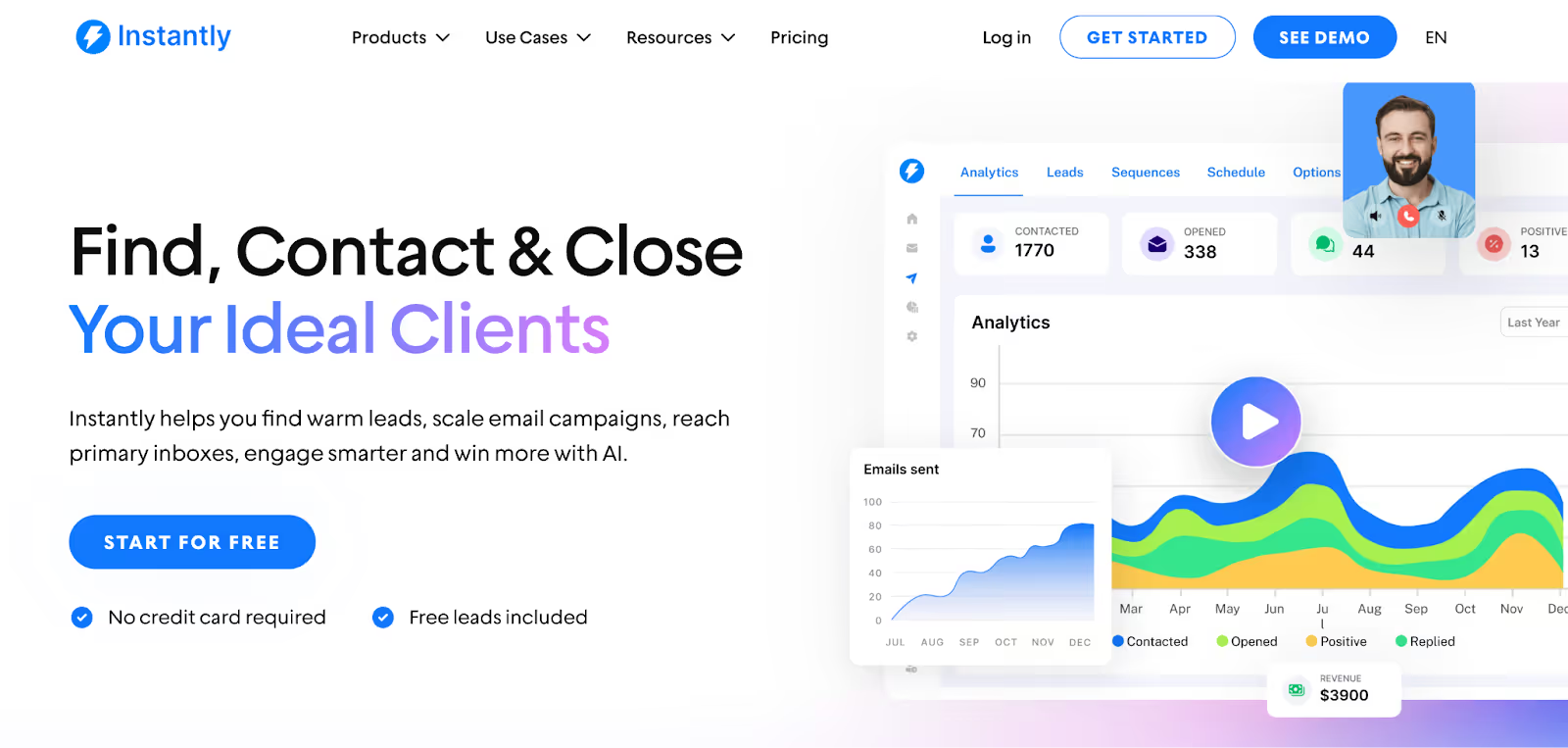
Instantly focuses on cold email with fast setup and low friction. I used it for quick launches across many inboxes.
The workflow stays simple when running basic email sequences.
It feels built for speed rather than deep control.
Key Features of Instantly
Unlimited email accounts connect under one workspace.
Warm-up runs on every connected inbox by default.
Inbox rotation spreads volume across accounts.
Unibox groups replies from all inboxes in one place.
Campaign analytics track opens, replies, and pipeline outcomes.
Lead search and filters help find contacts inside the tool.
AI prompts support first-line and follow-up writing.
API and webhooks support basic integrations.
Pros & Cons of Instantly
Pros
Setup takes minutes once inboxes are connected.
Inbox rotation makes early scaling easier.
Warm-up runs without extra setup steps.
Cons
Deliverability varies with hosted inboxes and warm-up pools.
Pricing and credits can be confusing over time.
Multichannel outreach is limited to email only.
Instantly Pricing
The Growth plan costs $37.6 per month when billed yearly. This tier includes unlimited email accounts and unlimited warm-up. This tier includes 1,000 uploaded contacts and 5,000 emails per month.
The Hypergrowth plan costs $77.6 per month when billed yearly. This tier includes unlimited email accounts and unlimited warm-up. This tier includes 25,000 uploaded contacts and 100,000 emails per month.
The Light Speed plan costs $286.3 per month when billed yearly. This tier includes 500,000 emails per month and 100,000 uploaded contacts. This tier adds SISR deliverability controls for higher volume.
The Enterprise plan uses custom pricing. This tier adds private deliverability networks and account management.
Best For
Instantly fits teams that want to launch cold email quickly.
It works better for email-only outreach with simple workflows.
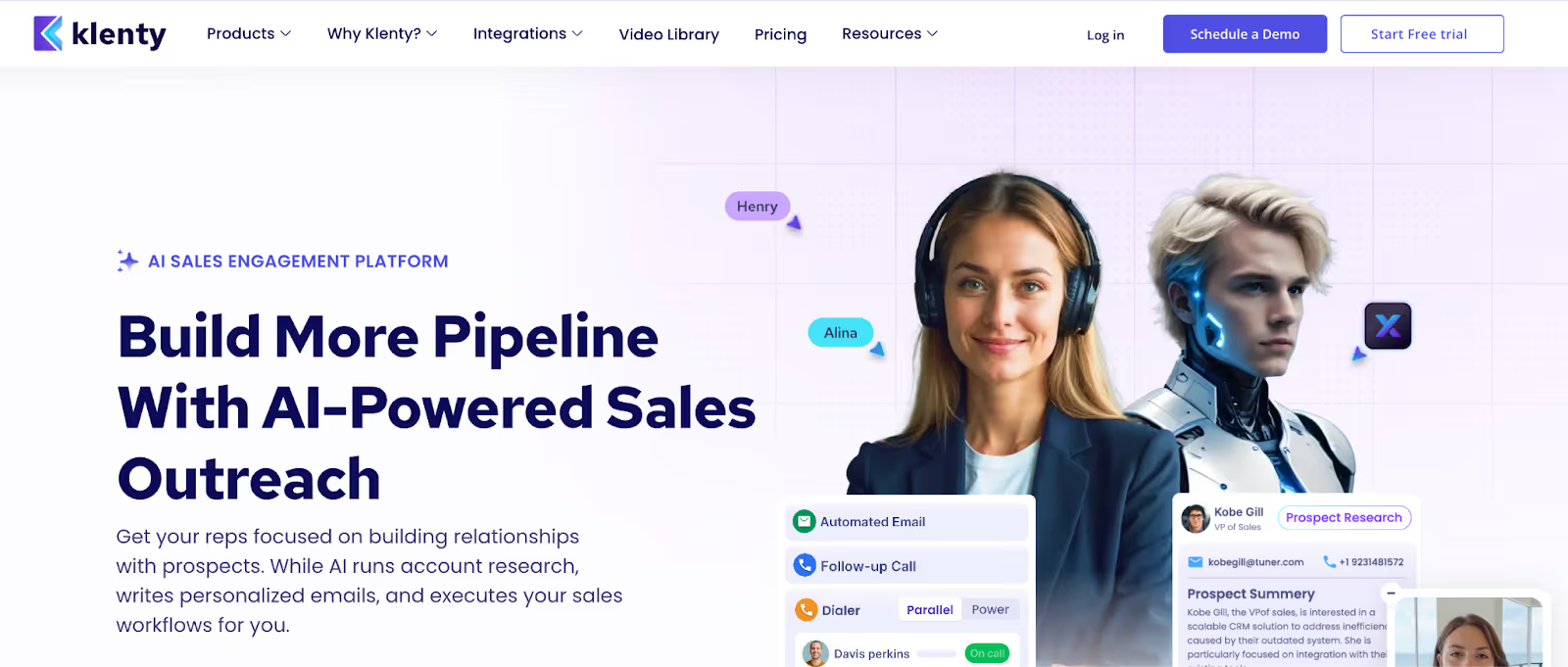
Klenty is built for outbound teams that mix calling, email, LinkedIn, and SMS. It focuses on workflow automation and rep productivity.
The product leans toward sales teams that run high-activity cadences. The tool is positioned for teams that want CRM-linked execution.
Key Features of Klenty
Agentic Cadences research accounts and write 1:1 emails automatically.
List Builder creates ICP lists using natural language prompts.
AI account research pulls data from 150+ sources.
Email deliverability tools monitor inbox and domain health.
Email warm-up and inbox rotation support higher sending volume.
Parallel and power dialers increase daily call volume.
AI call notes sync activity into CRM.
SMS and WhatsApp steps add mobile follow-ups.
Multichannel cadences run email, calls, LinkedIn, and SMS in one flow.
Deep CRM integrations keep records updated.
Pros & Cons of Klenty
Pros
Strong calling stack with parallel and power dialers.
Built-in AI research reduces manual prep for reps.
Multichannel workflows cover email, calls, and SMS.
CRM sync helps keep activity tracking clean.
Cons
Pricing scales per user for advanced plans.
Email-only teams may find the stack heavier than needed.
Deliverability tooling needs tuning to match inbox limits.
Setup takes longer for teams new to multichannel workflows.
Klenty Pricing
Starter costs $50 per month billed annually. This plan supports up to 15,000 contacts and 75,000 emails per month. This plan includes unlimited inboxes on one domain. Additional domains cost $30 per domain. This plan includes inbox rotation, warm-up, and basic deliverability tools.
Growth costs $70 per user per month billed annually. This plan adds CRM automations and multichannel workflows. This plan includes calling, voicemail drops, and SMS automation. This plan includes advanced reporting and roles.
Plus costs $99 per user per month billed annually. This plan includes 4,000 AI credits per month. This plan includes AI list building and account research. This plan includes 1,000 US and Canada calling minutes. This plan adds sales coaching and goal tracking.
Klenty offers a 14-day free trial with no credit card required. The trial supports sending up to 200 emails.
Best For
Klenty fits teams that run call-heavy outbound with CRM-linked workflows.
It works best for SDR teams that need dialers plus email in one tool.
10. SmartReach.io
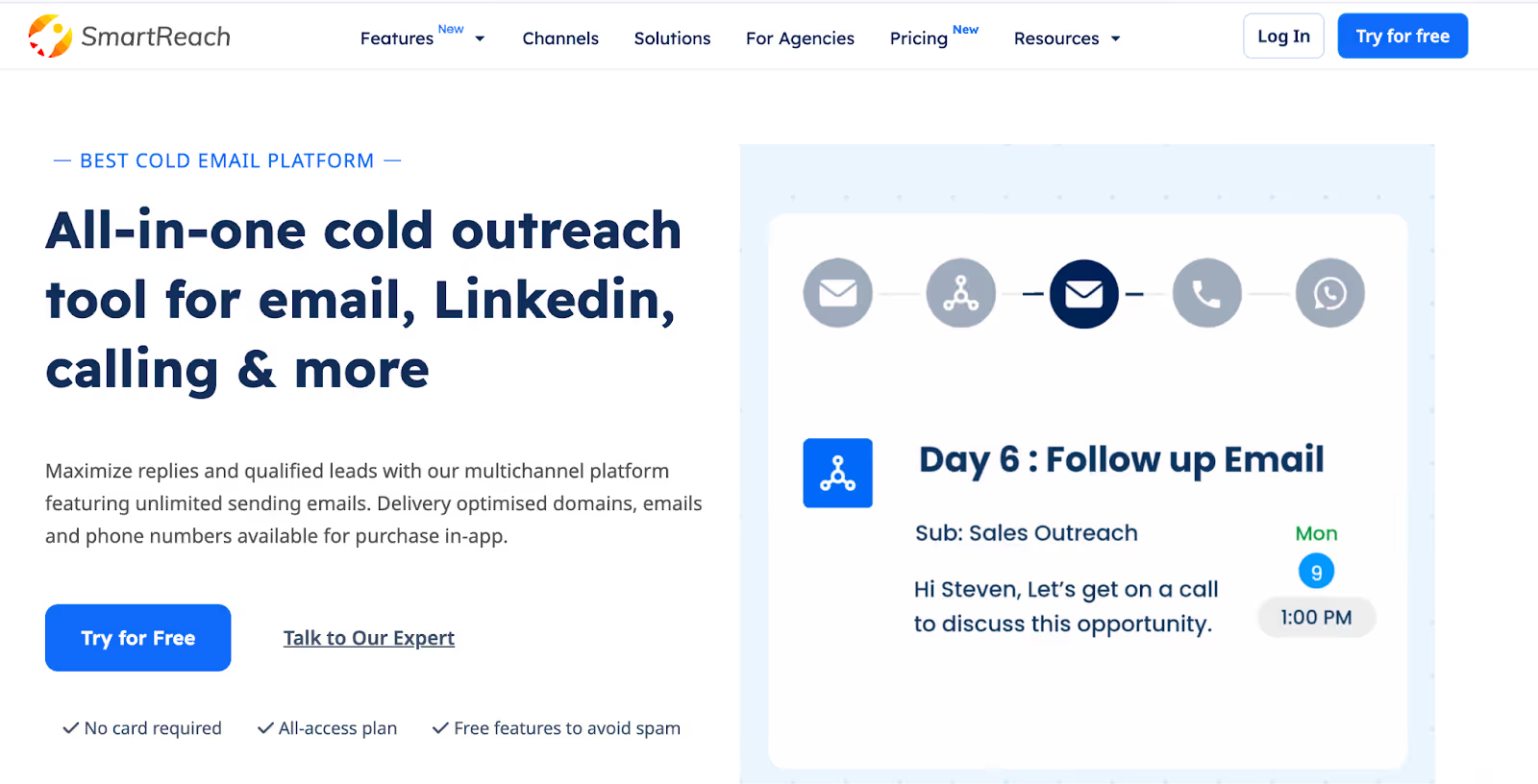
This image shows the SmartReach.io homepage.
SmartReach is built for teams that run cold email at scale.
It extends into LinkedIn, calling, and WhatsApp.
The tool is positioned for agencies and SMB teams running volume outreach.
The pricing model removes per-seat limits for email sending.
Key Features of SmartReach.io
Unlimited sending email accounts are available on all plans.
Inbox rotation spreads sending across multiple mailboxes in one campaign.
ESP matching pairs sender and recipient providers to improve inbox placement.
Free email verification runs before sending to reduce bounces.
Email warm-up is included via WarmupHero.
Secondary domains and Google or Microsoft 365 mailboxes can be purchased in-app.
Timezone sending and holiday calendars control send timing.
Multichannel sequences run email, LinkedIn, calls, and WhatsApp in one flow.
Unified inbox shows replies from multiple sending accounts.
AI tools generate sequences, subject lines, and reply drafts.
Pros & Cons of SmartReach.io
Pros
Email scaling works well without per-seat costs.
Deliverability controls cover rotation, warm-up, and ESP matching.
Inbox health and blacklist monitoring help catch issues early.
Agency features support multi-client setups.
Cons
LinkedIn automation adds extra cost per account.
Calling features sit behind add-ons and calling seats.
Sales teams that want deep dialer features may need another tool. Salesforge offers deeper agent-style workflows and booking automation.
SmartReach.io Pricing
SmartReach prices by active prospects, not inboxes.
All plans include unlimited sending emails.
Calling + LinkedIn are add-ons on email-only plans.
Email Outreach Basic costs $29 per month. This plan includes 1,000 active prospects and 10,000 emails per month. This plan includes unlimited sending emails and free email verification.
Email Outreach Plus costs $89 per month. This plan includes 50,000 active prospects and unlimited emails per month. This plan includes inbox rotation and ESP matching.
Email Outreach Pro costs $199 per month. This plan includes 100,000 active prospects and unlimited emails per month. This plan includes 75 warm-up inboxes and native CRM integrations.
Email Outreach Scale costs $499 per month. This plan includes 500,000 active prospects and unlimited emails per month. This plan includes unlimited warm-up inboxes and priority support.
Sales Engagement Pro costs $249 per month. This plan includes 10 calling seats and 10 LinkedIn manual seats. This plan includes 100,000 active prospects and unlimited emails per month.
Sales Engagement Scale costs $599 per month. This plan includes 100 calling seats and 100 LinkedIn manual seats. This plan includes 500,000 active prospects and unlimited emails per month.
Agency plans start at $199 per month. This plan includes client dashboards for managing multiple accounts.
Add-ons include LinkedIn automation from $49 per account. Extra active prospects cost $79 per 30,000 contacts.
Best For
SmartReach fits teams that scale cold email across many inboxes.
It works well for agencies managing multiple clients.
It suits teams that want deliverability controls without per-seat fees.
Personalized Outbound Strategy
Get The Right Outbound Strategy In Minutes
Enter your email to get a custom plan & stack recommendation for your
business
It's being carefully crafted by AI
Please check your mailbox in 5 minutes
Conclusion
Every outreach tool solves one part of the workflow.
Some help with data. Some focus on email volume.
Others add LinkedIn or calling on top.
The problem shows up when prospecting, sending, follow-ups, and replies live in different tools.
That is where most teams lose time and miss timing.
Salesforge fits teams that want prospecting, multichannel outreach, inboxes, warm-up, and replies in one flow.
It works best when the goal is to move from lead to reply without stitching together five tools.
Compare the 10 best LinkedIn outreach services for B2B lead generation in 2026. Features, pricing, and honest reviews from someone who builds this category.






.png)

.png)