I've been running LinkedIn outreach campaigns since before most of these tools existed.
Managing a team of 50 salespeople, I experienced firsthand the challenges of running LinkedIn outreach campaigns manually.
Every step, from prospecting to messaging and follow-ups, was a time-consuming process with no reliable automation tool available to streamline these efforts.
I witnessed many LinkedIn accounts get restricted due to improper use of automation tools that promised great results but delivered nothing but banned profiles and refund requests.
So when I tell you the LinkedIn outreach tool market is a mess, I mean it from experience.
Here's what I know for a fact: LinkedIn outreach works in 2026. Social selling leaders generate 45% more opportunities than peers with lower SSI scores.
But the tool you use to run that outreach? It can make or break your entire sales pipeline.
The wrong LinkedIn automation tool gets your account flagged in two weeks. The right one runs safely for months, respects LinkedIn's rules, keeps your account safety intact, and consistently books more meetings from qualified leads without burning your LinkedIn presence.
I tested each service on this list against five criteria that actually matter for sales teams in 2026: account safety, automation depth, multichannel outreach capability, ease of use, and pricing transparency.
These are the 10 best LinkedIn outreach services for B2B sales in 2026, ranked by someone who builds this category for a living.
If you are short on time, here is the quick version:
Choosing the right LinkedIn outreach service can transform your lead generation strategy, so let's explore the top options that stand out for their features, safety, and scalability.
Best for: B2B sales teams, GTM teams, and agencies that want true multichannel outreach at scale without the seat-based pricing trap.

I built Salesforge, so I’ll be upfront about that.
But I’ll also be straight with you: I built it because I couldn’t find a LinkedIn outreach service that did everything I needed without forcing me to choose between LinkedIn automation or cold email, and without charging per seat the moment my team grew.
Salesforge is the only LinkedIn automation tools I know of that gives you unlimited LinkedIn senders and unlimited mailboxes on a single plan.
You add your whole team, connect every LinkedIn profile, and run multichannel outreach sequences across email and LinkedIn (automating connection requests as part of your workflow) to efficiently expand and manage your LinkedIn network without your costs doubling every time you hire a new sales rep.
Salesforge also provides robust lead tracking and analytics, so you can monitor outreach performance and optimize your campaigns for better results.
Start your free trial → salesforge.ai
Best for: Sales teams that want multichannel outreach with strong built-in personalization.

Lemlist has been around long enough to earn a genuine reputation in the outreach space.
I’ve tested it across several campaigns and it’s one of the more polished LinkedIn outreach services on this list, especially when it comes to personalization at scale.
What sets Lemlist apart is how it handles lead research and message customization. The AI pulls data from LinkedIn profiles, company websites, and other sources so sales reps don’t have to do it manually. You can use filters like job title and company size to target the right leads, ensuring your outreach is tailored to the prospect’s role and the scale of their organization.
You’re not just swapping out first names. You’re getting context-aware personalized messages that make each touchpoint feel written for that specific person.
That matters when you’re running outreach efforts at volume and trying to avoid generic messages that kill response rates.
The multichannel outreach sequencing covers email, LinkedIn, WhatsApp, and calls from a single workflow, helping you engage prospects across multiple touchpoints to build relationships and improve response rates.
The per-seat pricing model is where things get complicated. It works fine for small sales teams but adds up quickly when you’re scaling outreach volume. Ten SDRs on the full multichannel plan puts you at $870/month before add-ons.
For a lead generation agency managing multiple client LinkedIn accounts, that math gets uncomfortable fast.
One thing to flag: Lemlist is priced per user. That model works fine for small teams but adds up quickly when you’re scaling. If you have 10 SDRs and want the full multichannel plan, you’re looking at $870/month before any add-ons.
Lemlist vs Salesforge - Which Tool Will Bring You More Bacon?
Best for: Agencies and sales teams scaling LinkedIn outreach across multiple senders.
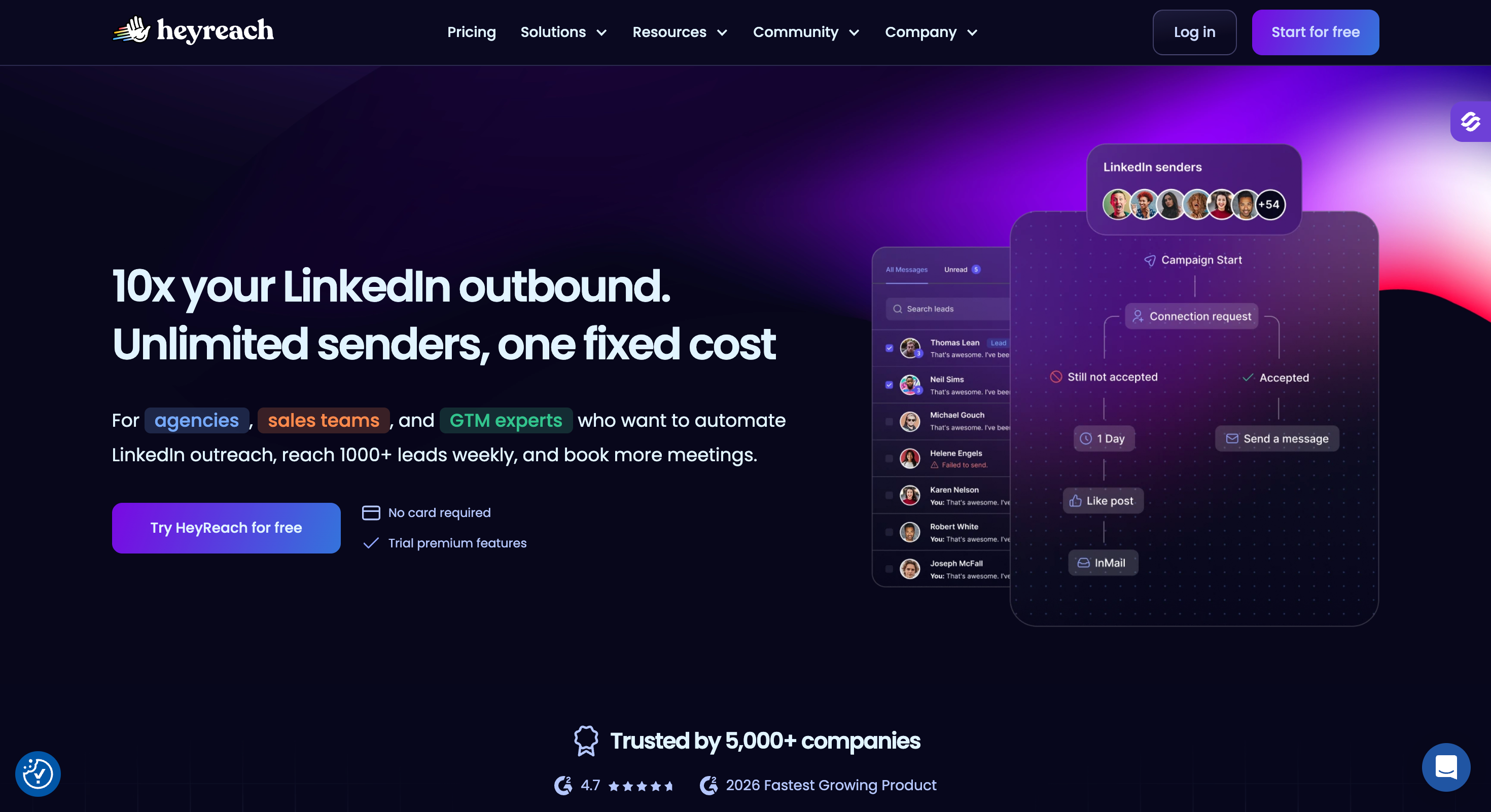
HeyReach is one of the most focused LinkedIn outreach services on this list.
It does LinkedIn automation and it does it well. There is no native email sequencing, no cold calling feature, no built-in CRM. Just a very clean, very reliable LinkedIn automation platform built specifically for teams running outreach efforts at scale across multiple LinkedIn accounts and focused on expanding your LinkedIn network.
The standout feature is multi-sender rotation. Given LinkedIn’s current limits of 20 to 40 connection requests per day per account, the only real way to scale LinkedIn lead generation without burning accounts is to spread outreach volume across multiple LinkedIn profiles.
HeyReach not only rotates between multiple senders but also automates connection requests, maximizing outreach and helping you connect with more prospects efficiently.
HeyReach lets you run one campaign across unlimited LinkedIn senders and automatically rotates between them. Campaign management is streamlined, and lead tracking is built in so you can monitor performance and optimize your outreach efforts.
Where HeyReach falls short is multichannel outreach. If you want email outreach natively woven into your LinkedIn sequences, you will need another tool in the stack.
For some teams that tradeoff is fine. For others it creates unnecessary complexity and cost across multiple tools.
Salesforge vs HeyReach: Maximize Your Cold Outreach Strategy With The Right Tool
Best for: Sales teams and agencies that want reliable LinkedIn automation with smart conditional sequencing.
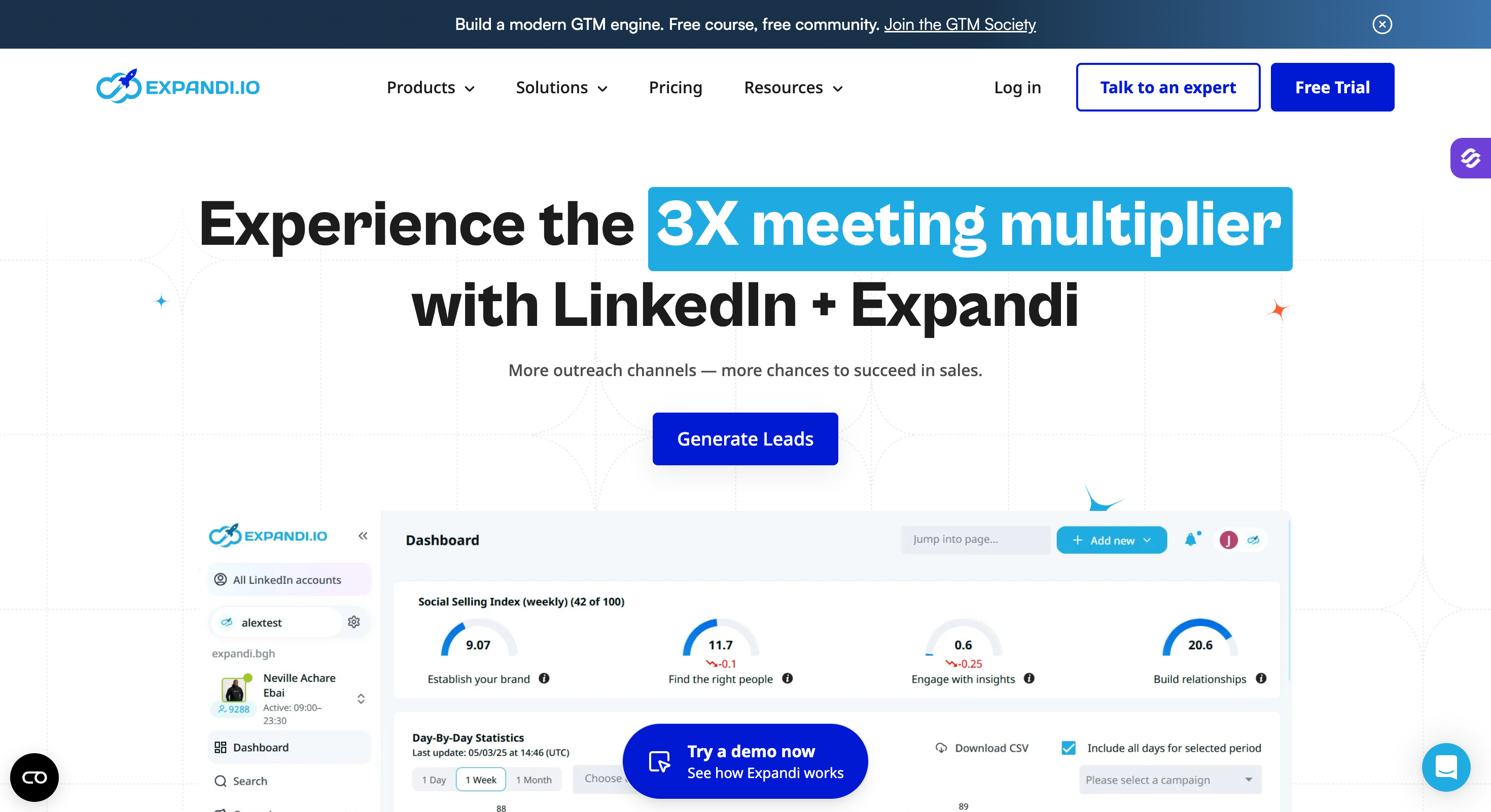
Expandi has been around for a while and it has earned its reputation the hard way.
I’ve tested it across different team sizes and the thing that consistently stands out is how seriously they take account safety. Every LinkedIn account gets a dedicated country-based IP address.
There is a built-in profile warm-up that gradually ramps up your LinkedIn activities. Smart algorithms enforce daily limits so you physically cannot exceed what LinkedIn considers safe thresholds.
For sales teams that have been burned by reckless automation tools before, that level of protection matters.
The smart campaign builder is where Expandi genuinely pulls ahead of simpler tools on this list. You can create conditional sequences with up to 9 actions and 8 conditions, all based on prospect behavior. Advanced targeting lets you filter by job title and company size, ensuring your outreach reaches the right decision-makers and is tailored to the scale of each organization.
If someone views your LinkedIn profile but ignores the connection request, the sequence adapts. If they connect but don’t reply within five days, it triggers a different follow up message path.
That kind of if/then logic enables strategic engagement with prospects, removing a lot of manual outreach decision-making from the sales process and keeping outreach efforts running efficiently without constant babysitting.
The agency plan is custom-priced for 10 or more seats, which makes upfront cost comparisons harder. For smaller sales teams the Business plan pricing is transparent and competitive.
Salesforge vs Expandi: What's The Best Cold Outreach Tool?
Best for: Individuals and small sales teams who want simple LinkedIn automation without a learning curve.
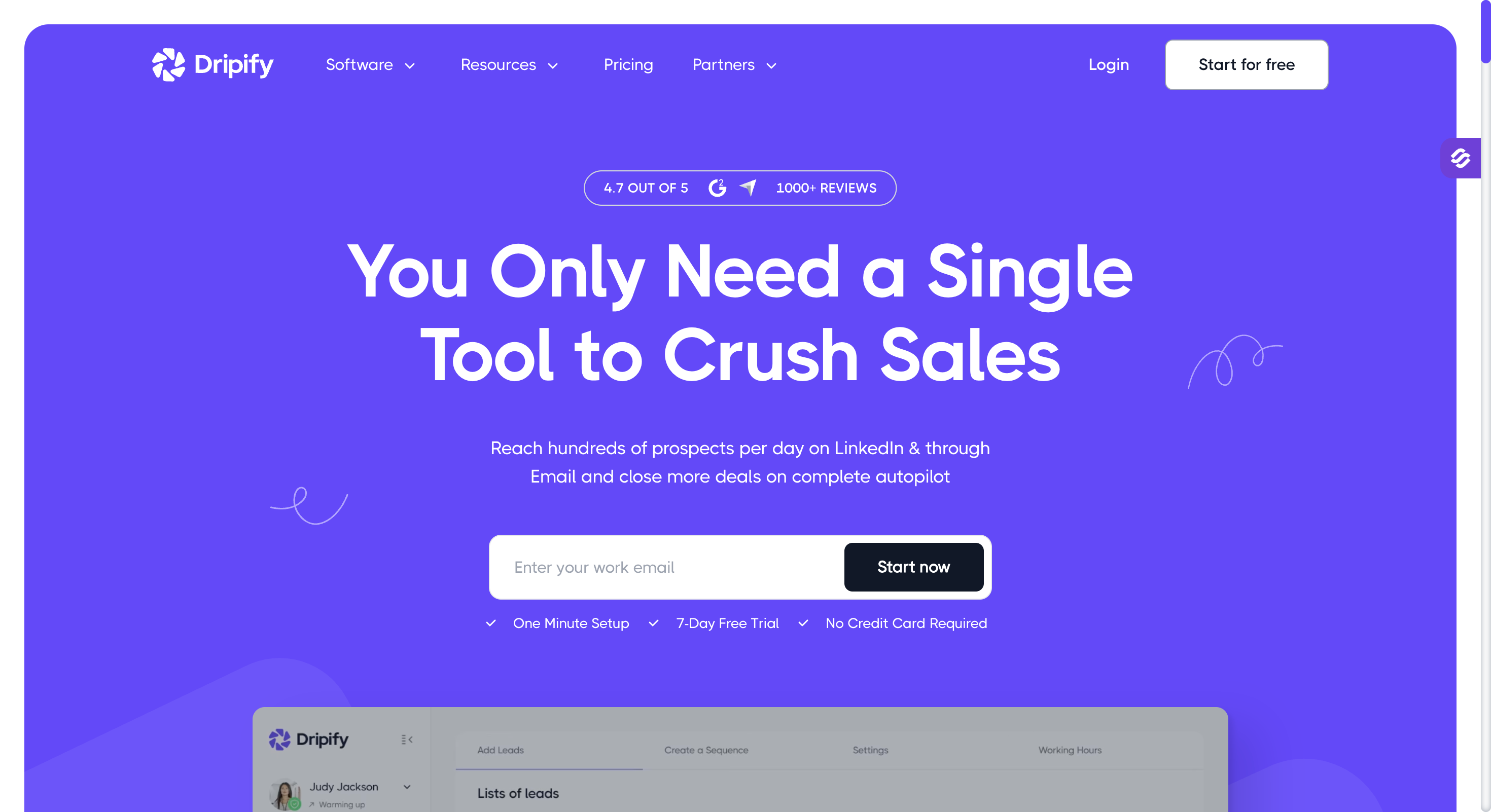
Dripify is one of the most beginner-friendly LinkedIn outreach services on this list.
If you have never run automated LinkedIn outreach before and want to get a campaign live in under an hour, this is the tool I would point you to first.
The sequence builder is visual and drag-and-drop. You pick your LinkedIn activities, set time delays between steps, and the campaign runs in the cloud. Automating connection requests is built into the workflow, allowing you to easily send personalized connection requests as part of your multi-step outreach. No browser extension needed, which means automated outreach keeps running even when your laptop is closed.
That is a meaningful difference from older automation tools that required Chrome to be open on an active machine.
Each LinkedIn account gets a dedicated IP address and Dripify enforces daily action limits automatically to stay within LinkedIn’s rules. The platform mimics human behavior in how it paces sending connection requests, profile visits, LinkedIn messages, and follow up messages throughout the day, helping you grow your LinkedIn network efficiently.
The account safety track record is reasonable for a tool at this price point, though I would not push outreach volume as hard here as I would with Expandi or Salesforge.
The limitation is depth. Conditional branching is more basic compared to Expandi or HeyReach.
There is no built-in data enrichment, no AI-driven personalized messages, and no native LinkedIn Sales Navigator list importing on lower plans.
If your outreach efforts grow quickly, you will feel that ceiling.
Dripify’s campaign analytics include lead tracking, so you can measure the effectiveness of your LinkedIn outreach and optimize your campaigns based on real performance data.
Salesforge vs Dripify: Cold Outreach Tool Comparison
Best for: Budget-conscious individuals and small teams who want proven LinkedIn automation at the lowest price point on this list.
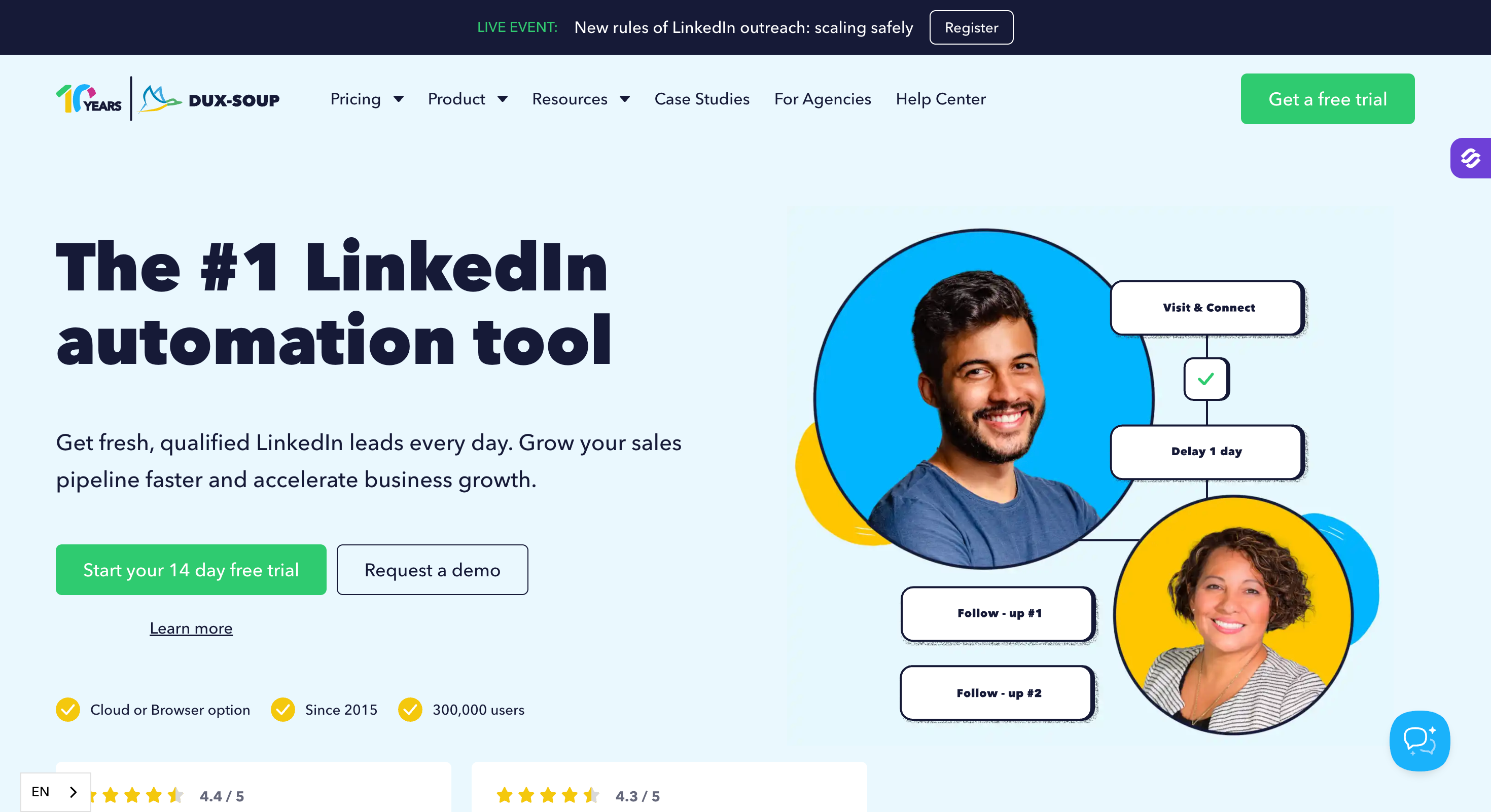
Dux-Soup has been around since 2015.
That is a long time in a market where LinkedIn automation tools come and go every 18 months.
The fact that it still has 300,000 active users says something about the product’s staying power and reliability as a LinkedIn outreach service.
The core proposition is straightforward. Dux-Soup automates LinkedIn profile visits, automating connection requests, LinkedIn messages, InMails, endorsements, and post likes, making it easy to expand your LinkedIn network efficiently.
You can string these LinkedIn activities into drip campaigns with custom time delays between each step, mimicking human behavior to stay within LinkedIn’s rules and avoid account restrictions. Campaign management features include lead tracking, allowing you to analyze outreach performance and optimize your campaigns.
It is not the flashiest tool on this list, but it is reliable and it works for consistent b2b lead generation.
The main limitations are depth and personalization. There is no AI-driven personalized messages, no native email outreach sequences built in, and the conditional logic for campaign management is simpler than what you get with Salesforge.
But for the price, it covers a lot of ground for solo outreach efforts and small teams focused on LinkedIn lead generation.
Salesforge vs Dux Soup: Cold Outreach Tool Comparison
Best for: Power users and technical teams who want the deepest feature set in a LinkedIn automation tool at the lowest monthly price.
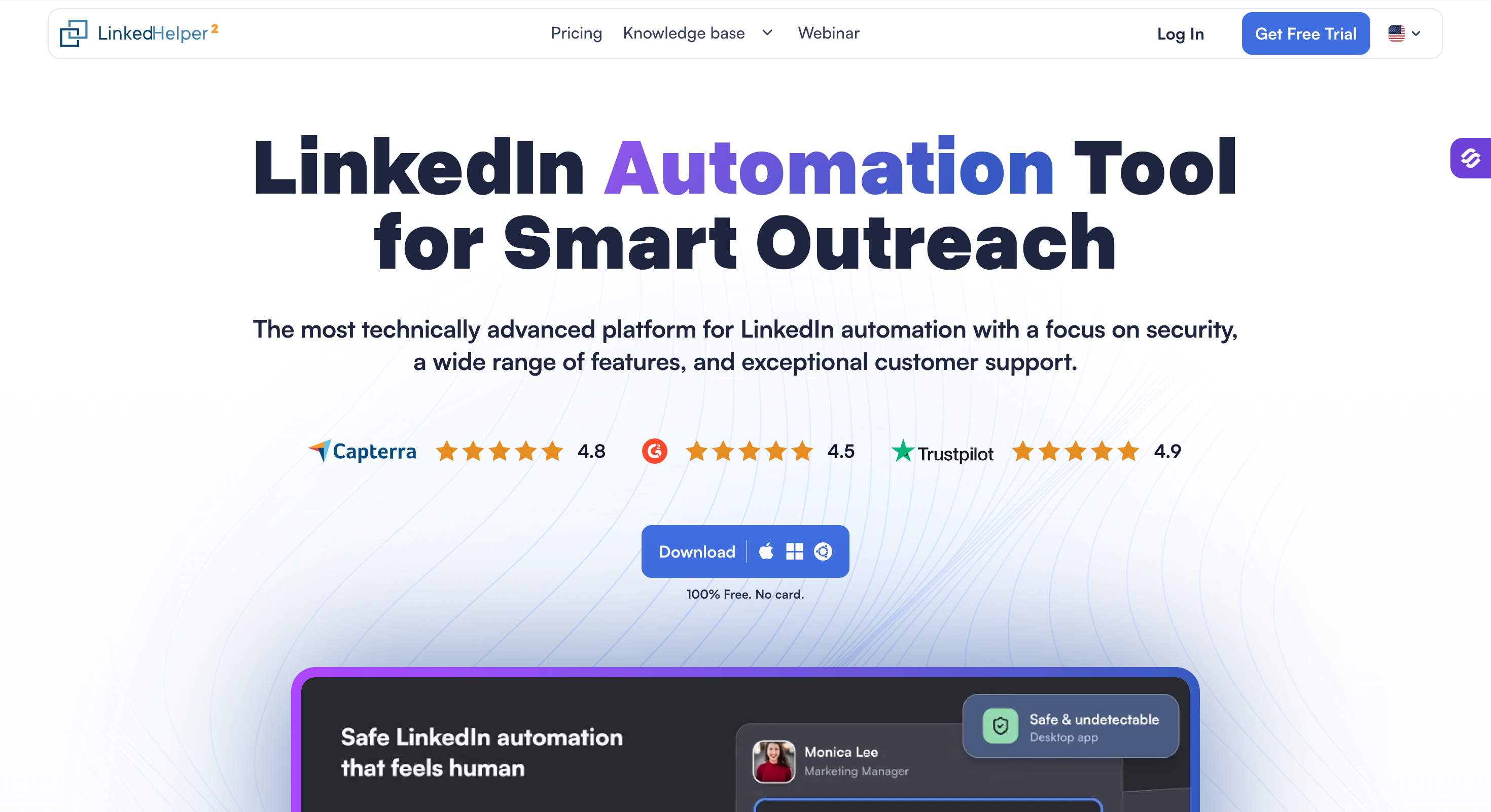
I’ve tested Linked Helper extensively and the thing that stands out most is the sheer depth of what it can do for the price, especially when it comes to key features like automation capabilities, outreach personalization, integration options, and robust performance tracking.
Unlike most LinkedIn outreach services that run as cloud platforms, LinkedHelper operates as a desktop app. This is a deliberate safety choice. Because it is not a Chrome extension and does not inject code into LinkedIn pages, it leaves a much smaller footprint and carries lower account restriction risk.
Each LinkedIn account runs in a completely separate instance with its own dedicated IP proxy, unique browser fingerprint, and randomized delays that mimic human behavior throughout the day. Linked Helper also helps users grow and manage their LinkedIn network efficiently, automating connection requests and optimizing network expansion strategies.
The one genuine tradeoff is that LinkedHelper requires a desktop to run. If your machine is off, your campaigns pause. There is no cloud option to keep outreach running 24/7.
For teams that need always-on automated outreach without any machine dependency, that is a real limitation worth considering. Additionally, while Linked Helper offers detailed campaign analytics, its lead tracking features are essential for analyzing outreach performance and optimizing campaigns for better results.
Salesforge vs Linked Helper: Outreach Automation Tool Comparison
Best for: Sales reps and small teams who want to start LinkedIn outreach quickly without complex setup or technical knowledge.
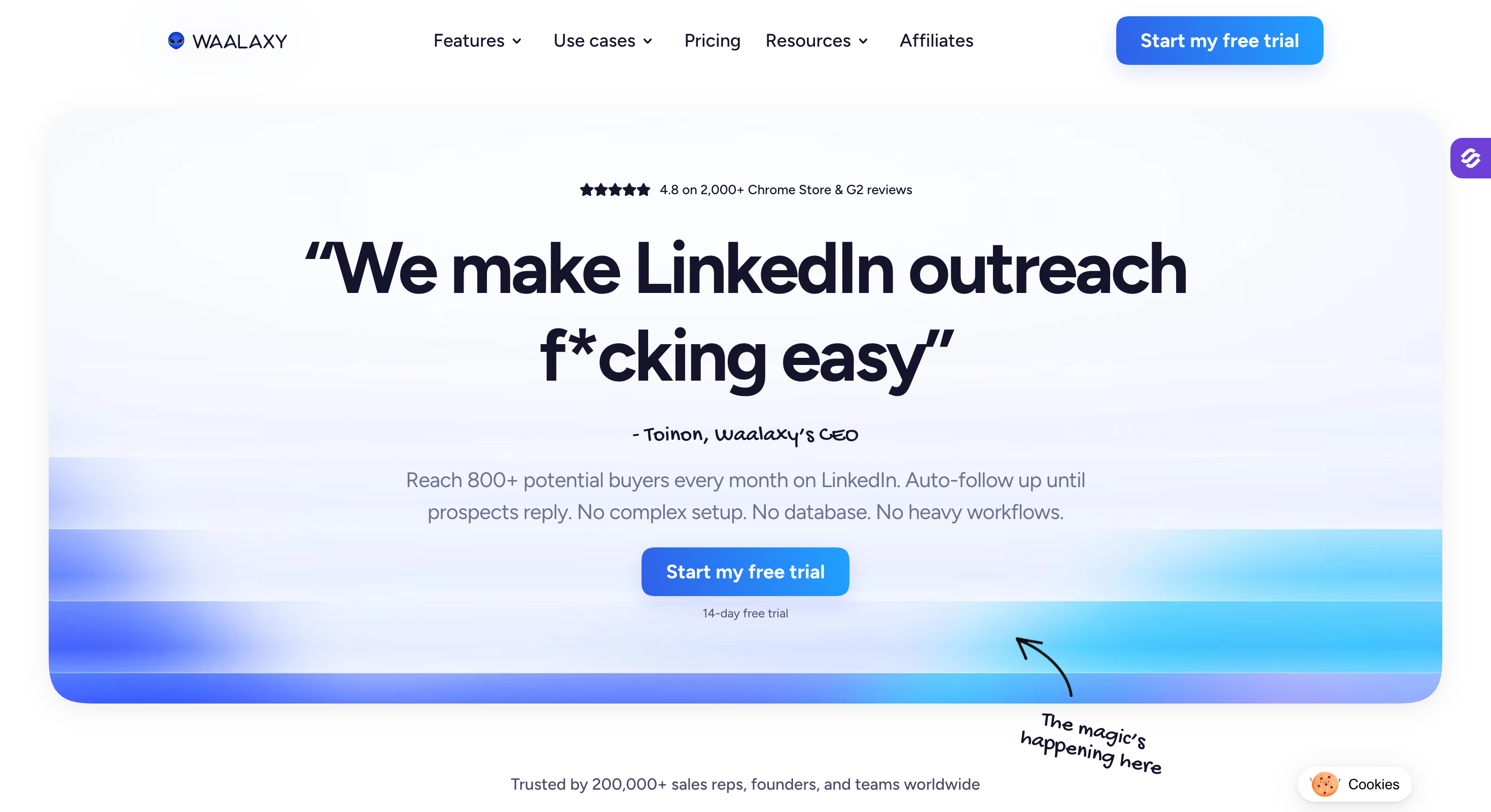
Waalaxy’s positioning is deliberately simple: make LinkedIn outreach easy for people who have never done it before.
The setup is genuinely fast. You install the Chrome extension, import qualified leads directly from LinkedIn search, LinkedIn Sales Navigator, or Recruiter Lite, pick one of 99 pre-built outreach sequences, and your first campaign is live in minutes.
There is no database to configure, no complex workflow automation to build, and no technical background required.
For sales reps who need to generate leads on LinkedIn without spending days learning a platform, that frictionless onboarding is a real advantage.
The pre-built sequences cover the most common LinkedIn outreach strategies: visit profile then connect, connect then message then follow up, multi-step follow up messages after connection acceptance, and combinations of LinkedIn and email outreach on the Business plan.
These sequences also automate connection requests, allowing users to easily send personalized connection invites as part of their multi-channel campaigns.
Smart reply detection pauses automated outreach for any prospect who responds, so qualified conversations never get buried under additional automated follow ups they did not ask for.
Waalaxy also provides campaign analytics with lead tracking, helping users analyze outreach performance and optimize their LinkedIn outreach efforts.
Waalaxy is particularly effective for users looking to expand their LinkedIn network, as it streamlines the process of connecting with new prospects and managing professional relationships.
Where Waalaxy hits its ceiling is scale and account safety depth.
There is no multi-sender rotation, no dedicated IP per LinkedIn account, and no cloud infrastructure option, so account safety relies primarily on respecting LinkedIn’s rules through careful pacing rather than deeper technical safeguards.
Salesforge vs Waalaxy: LinkedIn Outreach Tools Compared
Best for:Sales teams and agencies that want reliable cloud-based LinkedIn automation with clean multichannel outreach at a competitive price.
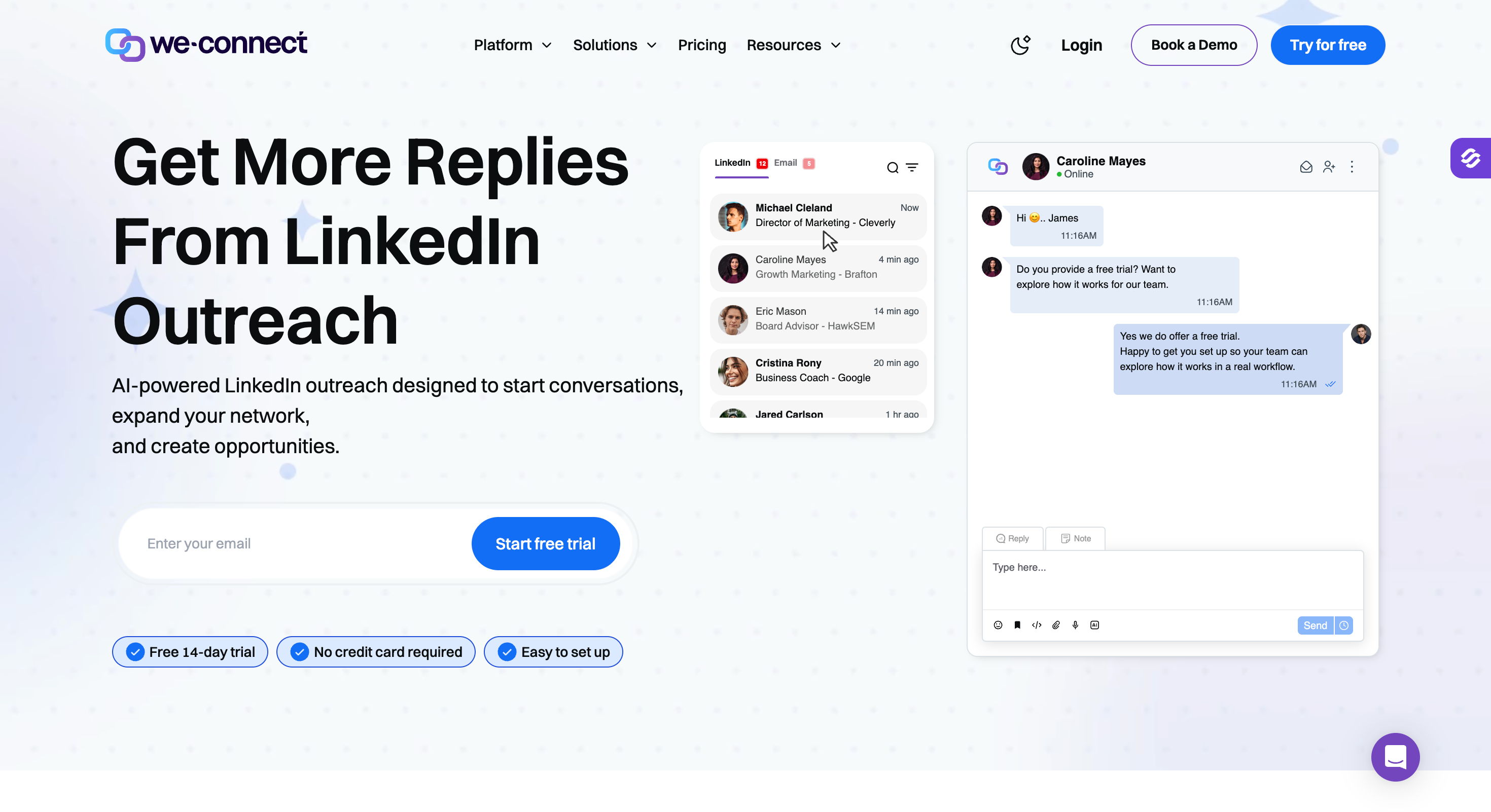
We-Connect is one of the more underrated LinkedIn outreach services on this list.
It does not have the brand recognition of Lemlist or HeyReach, but it has 10,000 users and a product that covers a lot of ground for the price.
The core LinkedIn automation covers automating connection requests, sending personalized messages, follow up messages, InMail campaigns, profile visits, skill endorsements, and automated congratulations messages triggered by contact milestones like job changes and work anniversaries.
Automating connection requests enables sales and marketing teams to easily connect with prospects as part of integrated multi-channel campaigns, streamlining the process of growing your LinkedIn network.
That last feature is worth calling out specifically. Automated relationship-building touchpoints around real-life events are one of the more underused LinkedIn outreach strategies for generating qualified conversations, and We-Connect has it built in natively.
We-Connect also helps users grow and manage their LinkedIn network efficiently through automation and strategic outreach, making it easier to expand professional connections.
The Post Remix add-on is worth mentioning for teams that want to combine LinkedIn outreach with content strategy.
It schedules and remixes trending content to keep your LinkedIn profile active, which improves connection acceptance rates over time by making your LinkedIn presence look genuine and engaged rather than a cold outreach machine.
We-Connect includes campaign analytics with lead tracking and tools to monitor engagement, allowing users to analyze outreach performance, measure effectiveness, and optimize their LinkedIn outreach strategies for better results.
Best for:Sales teams and solopreneurs who want true multichannel outreach across LinkedIn, email, and Twitter from a single automation platform.
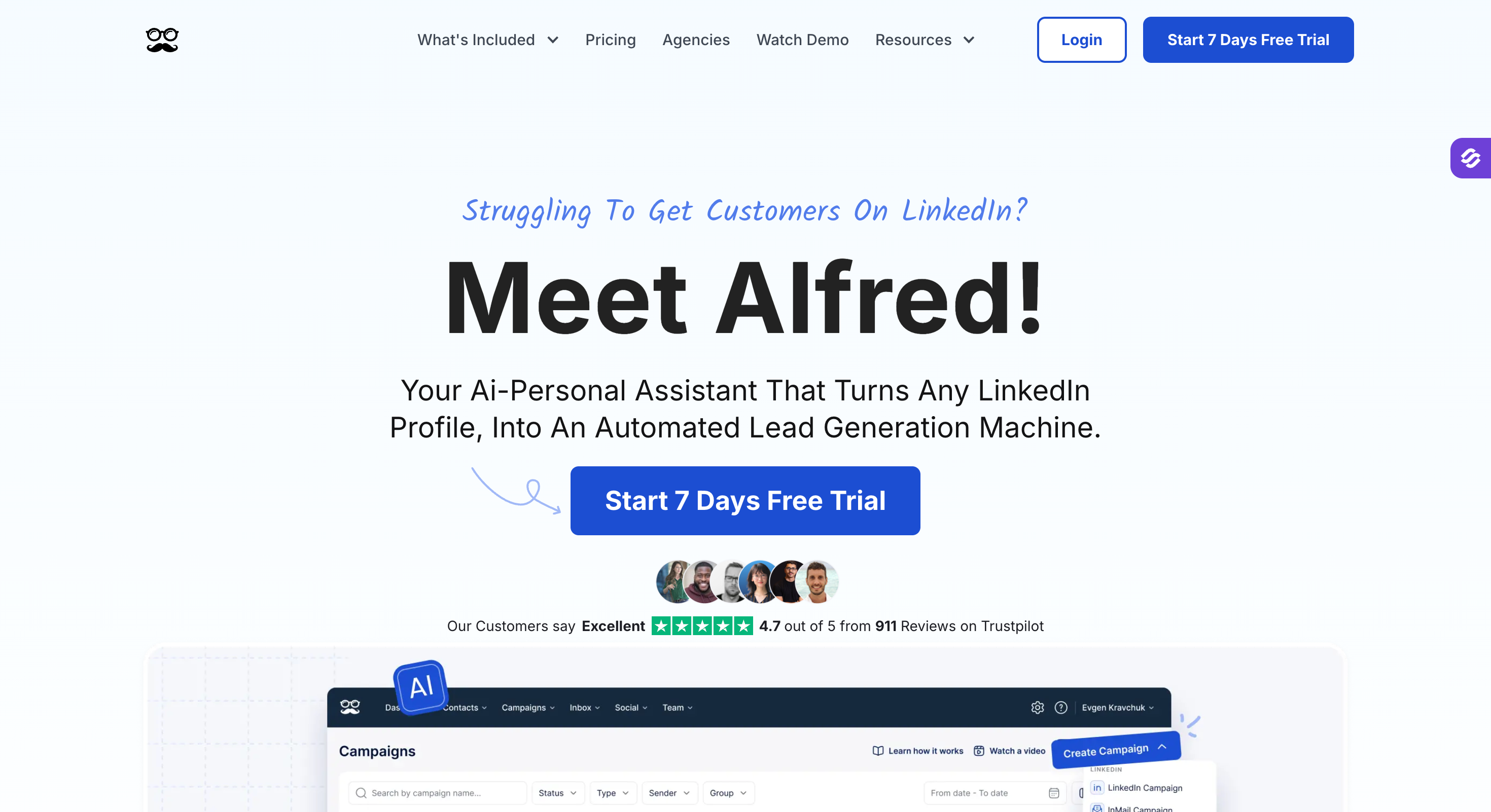
Meet Alfred has been in the LinkedIn outreach space since 2016 and claims to be the first platform to offer multi channel outreach combining LinkedIn, email, and Twitter in a single campaign sequence.
The multichannel outreach sequencing is the headline feature. You can combine LinkedIn activities like automating connection requests, sending LinkedIn messages, InMails, and follow up messages with email outreach and Twitter engagement in a single automated sequence. This automation enables sales and marketing teams to easily connect with prospects and expand their LinkedIn network efficiently.
When a prospect does not respond on one channel, the sequence moves them to the next touchpoint automatically.
Meet Alfred also provides campaign analytics, including lead tracking and tools to monitor engagement, so users can analyze outreach performance, optimize campaigns, and improve their overall sales workflows.
For sales reps trying to reach qualified prospects across multiple channels without manually juggling multiple tools, that unified workflow saves real time in the sales process and helps grow and manage your LinkedIn network strategically.
Where Meet Alfred sits lower on this list is on the depth of its LinkedIn-specific features compared to HeyReach or Expandi for pure LinkedIn automation, and the lack of native multi-sender rotation for managing multiple LinkedIn accounts in a single campaign.
For lead generation agency setups running outreach across many client LinkedIn accounts simultaneously, that is a real gap.
Salesforge vs Meet Alfred: Cold Outreach Automation Tool Comparison
I did not put this list together by reading feature comparison tables and G2 reviews. I’ve personally run campaigns across these tools and seen firsthand what separates a reliable LinkedIn outreach service from one that burns your LinkedIn presence within a month.
In evaluating each tool, I paid close attention to key features such as automation capabilities, outreach personalization, and integration options, as these directly impact the effectiveness and efficiency of LinkedIn outreach strategies.
I also prioritized services that consistently deliver high quality leads, since connecting with well-qualified prospects is essential for successful B2B lead generation.
Additionally, I considered how well each tool enables targeting using filters like job title and company size, which are crucial for narrowing searches, tailoring outreach, and increasing engagement rates.
Here are the five criteria I used to evaluate every tool on this list.
This is the most important factor and the one most comparison articles gloss over.
LinkedIn actively works to detect and restrict automated outreach that violates its terms.
The best LinkedIn automation tools mimic human behavior with randomized delays, dedicated IP addresses per LinkedIn account, smart daily limits, and gradual warm-up periods that build sender reputation before pushing outreach volume.
I looked at how each tool approaches account safety and what happens when you push it to realistic campaign volumes.
Not all LinkedIn automation tools are built equally.
Some cover the basics: sending connection requests, LinkedIn messages, and automated follow ups.
Others go deeper with conditional logic based on prospect behavior, multi-sender rotation across multiple LinkedIn accounts, InMail campaigns, profile visits, post engagement, and event-based triggers.
I evaluated how much of the manual outreach work each tool genuinely removes from the sales process.
LinkedIn outreach alone has limits. The most effective outreach efforts in 2026 combine LinkedIn with cold email and sometimes additional channels like Twitter.
I looked at whether each tool supports true multi channel outreach natively or requires stitching together multiple tools, how well the LinkedIn and email sequences are integrated, and whether conditional logic flows across channels properly.
A tool that takes three weeks to set up and requires a dedicated ops person to maintain is not practical for most sales teams.
I evaluated how quickly a new sales rep could get a campaign live, how clean the campaign management interface is, and how accessible the reporting on campaign performance is without deep technical knowledge.
Per-seat pricing models penalize growth. Flat-fee models reward scale.
I looked at total cost of ownership at realistic team sizes, what features are locked behind higher tiers, and whether the pricing structure makes sense for the use case each tool is positioned for.
A tool that looks cheap at one seat but costs $800/month for a five-person sales team is not actually affordable.
Most sales teams automate parts of their outreach workflow and leave everything else manual.
They set up LinkedIn sequences but still write every follow up message by hand.
They run cold email campaigns but manually decide which prospects to move to LinkedIn after no response. The result is a fragmented sales process that burns more time than it saves.
The better approach is building a single automated workflow that covers the entire outbound motion, from lead generation to booked meetings, across both LinkedIn and email.
That means starting with a precisely targeted lead list built around real intent signals, not a stale database export. It means setting up your email infrastructure properly before sending a single message, because cold outreach that lands in spam generates zero qualified leads regardless of how good the messaging is.
And it means running multichannel outreach sequences with conditional logic that follows the prospect across channels rather than blasting the same message everywhere at once.
The part most sales teams never reach is full automation.
Not just automating the sending, but automating the strategy, the personalization, the follow up messages, and the meeting booking.
Agent Frank is Salesforge’s AI SDR, built to handle your entire outbound motion across email and LinkedIn without a human in the loop.
Agent Frank actively makes decisions throughout the sales process, finding qualified prospects, writing personalized outreach messages tailored to each LinkedIn profile and company, executing multichannel outreach sequences, following up automatically based on prospect behavior, and booking meetings directly into your calendar.
The platform also incorporates lead tracking and monitors engagement throughout your campaigns, enabling you to analyze outreach performance and optimize strategies for better results.
You define your ICP, your messaging guidelines, and your boundaries. Agent Frank handles everything else. He operates the way a top performing sales rep would, adapting outreach efforts in real time rather than running a fixed script regardless of how prospects respond.
The results back it up.
UniteSync brought their customer acquisition cost down to $2.86. VAI Consulting booked three calls in a single week
These are not edge cases. They are what happens when you remove the human bottleneck from the outbound workflow entirely rather than just automating individual steps.
Book a demo to see how Agent Frank works →
There is no single best LinkedIn outreach service for every team.
But after testing all of these tools, one thing is clear: multichannel outreach wins, account safety is non-negotiable, and per-seat pricing punishes growth.
If you want to scale LinkedIn and email outreach without switching between multiple tools or paying per seat, Salesforge is the most complete solution on this list.
There are two ways to use it.
The human path puts your sales reps in control. They run multichannel outreach sequences across LinkedIn and email with unlimited senders, AI personalization, built-in deliverability, and all replies managed in one inbox through Primebox.
The AI path hands the entire outbound workflow to Agent Frank. He finds qualified prospects, writes personalized outreach messages, executes multichannel sequences across email and LinkedIn, follows up automatically, and books meetings into your calendar.
Your sales reps focus on closing. Everything else runs on autopilot.
Yes, if you use the right ones. The best LinkedIn automation tools mimic human behavior with randomized delays, dedicated IP addresses, and smart daily limits that stay within LinkedIn's rules. The tools that get accounts restricted are the ones that ignore these safeguards and push outreach volume recklessly.
It does, and the data backs it up. LinkedIn's own research shows social selling leaders generate 45% more opportunities than peers with lower SSI scores. The key is combining personalized messages with a consistent follow up strategy rather than sending generic messages at high volume and hoping for positive responses.
A healthy reply rate for LinkedIn outreach sits between 10% and 30% depending on your ICP, outreach messages, and how well you are targeting relevant connections. Anything above 20% is strong. If you are consistently below 10%, the issue is usually targeting or messaging quality rather than outreach volume.
LinkedIn currently limits most accounts to around 100 to 200 connection requests per week, depending on your account history and LinkedIn presence. Sales Navigator accounts typically get slightly more flexibility. Tools that use multi-sender rotation across multiple LinkedIn accounts are the most effective way to scale b2b lead generation beyond these individual account limits.
Neither works better in isolation. LinkedIn outreach generates higher connection acceptance rates and feels more personal because prospects can see your LinkedIn profile before responding. Cold email scales more easily and reaches prospects who are not active users on LinkedIn. The highest performing sales teams combine both in multichannel outreach sequences rather than treating them as competing channels.

